Why Limiting Frame Rates Can Benefit Gamers: Advantages, Drawbacks, and Setup Guide
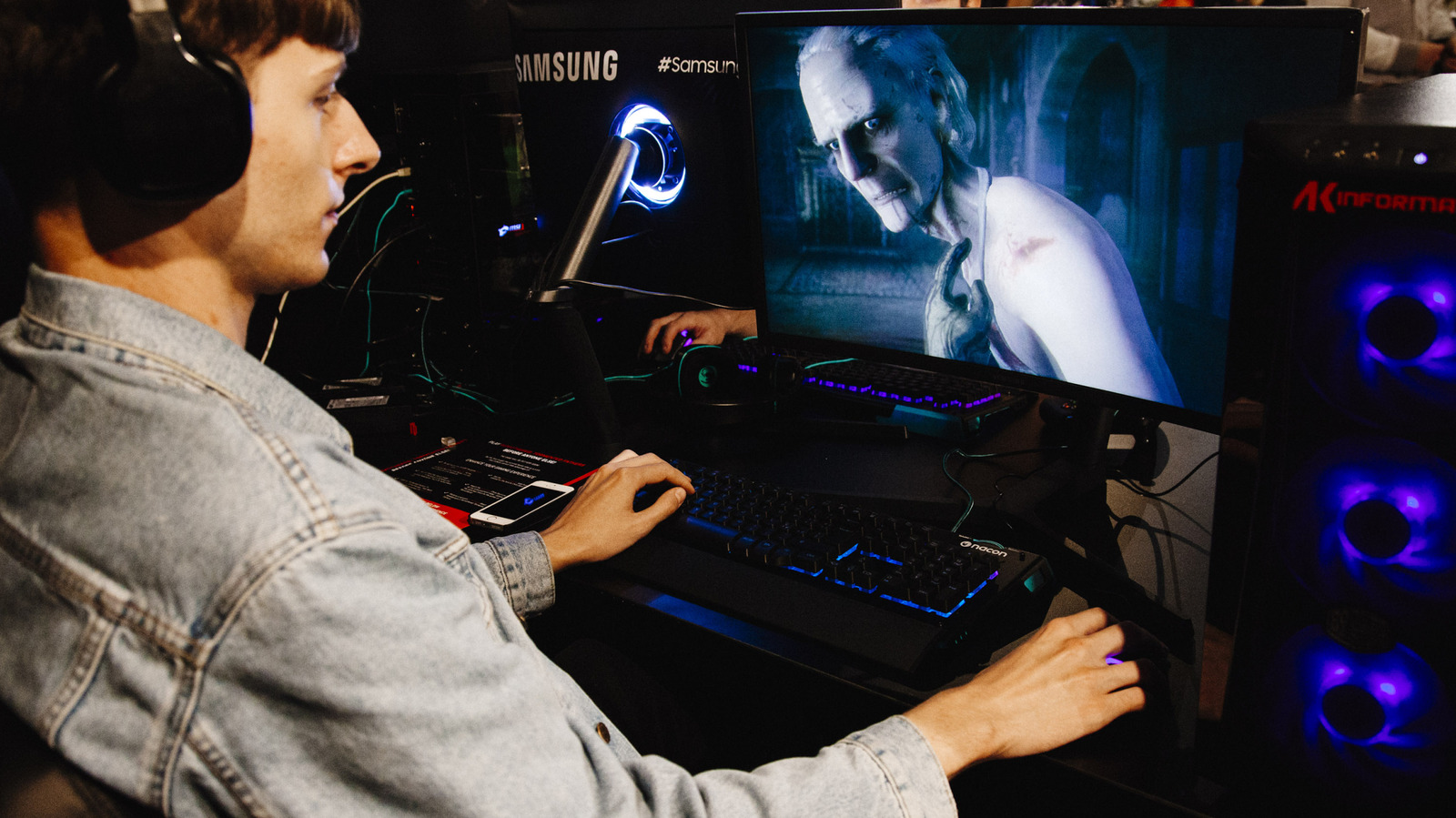
Although many gamers instinctively try to squeeze the maximum frames‑per‑second (FPS) out of their PCs, specialists point out that deliberately throttling the output can actually enhance the overall experience, particularly on systems that aren’t engineered for constant high‑speed bursts.
By capping FPS, the graphics card’s workload drops, which in turn reduces power consumption and heat production. Lower temperatures translate to quieter fan operation and diminish the likelihood of thermal throttling that can sap performance during extended play.
Another plus is consistency. When a title’s frame rate swings wildly, visual stutter may become noticeable even on displays equipped with adaptive‑sync technology. Setting a fixed ceiling—say 60 or 120 FPS—creates a steadier rhythm that appears smoother to the viewer.
This advantage is most evident for laptop owners and users on battery power. Reviews of various hardware indicate that a capped frame rate can lengthen battery life by as much as 30 percent, since the GPU no longer chases an unreachable peak.
That said, the strategy isn’t a one‑size‑fits‑all solution. Fast‑paced competitive games such as first‑person shooters or fighting titles often benefit from uncapped performance on high‑refresh monitors, and imposing a limit may add unwanted input lag.
Today’s graphics drivers and many games already provide native settings to define a maximum FPS, and third‑party tools can enforce limits across several applications. Players are advised to test different caps to discover a sweet spot that retains visual fluidity while conserving resources, especially as newer monitors and GPUs continue to expand what’s technically feasible.



Comments (0)
Be the first to comment.
Join the discussion