How to Pair Your Apple Pencil: Which iPad Models Require Which Steps
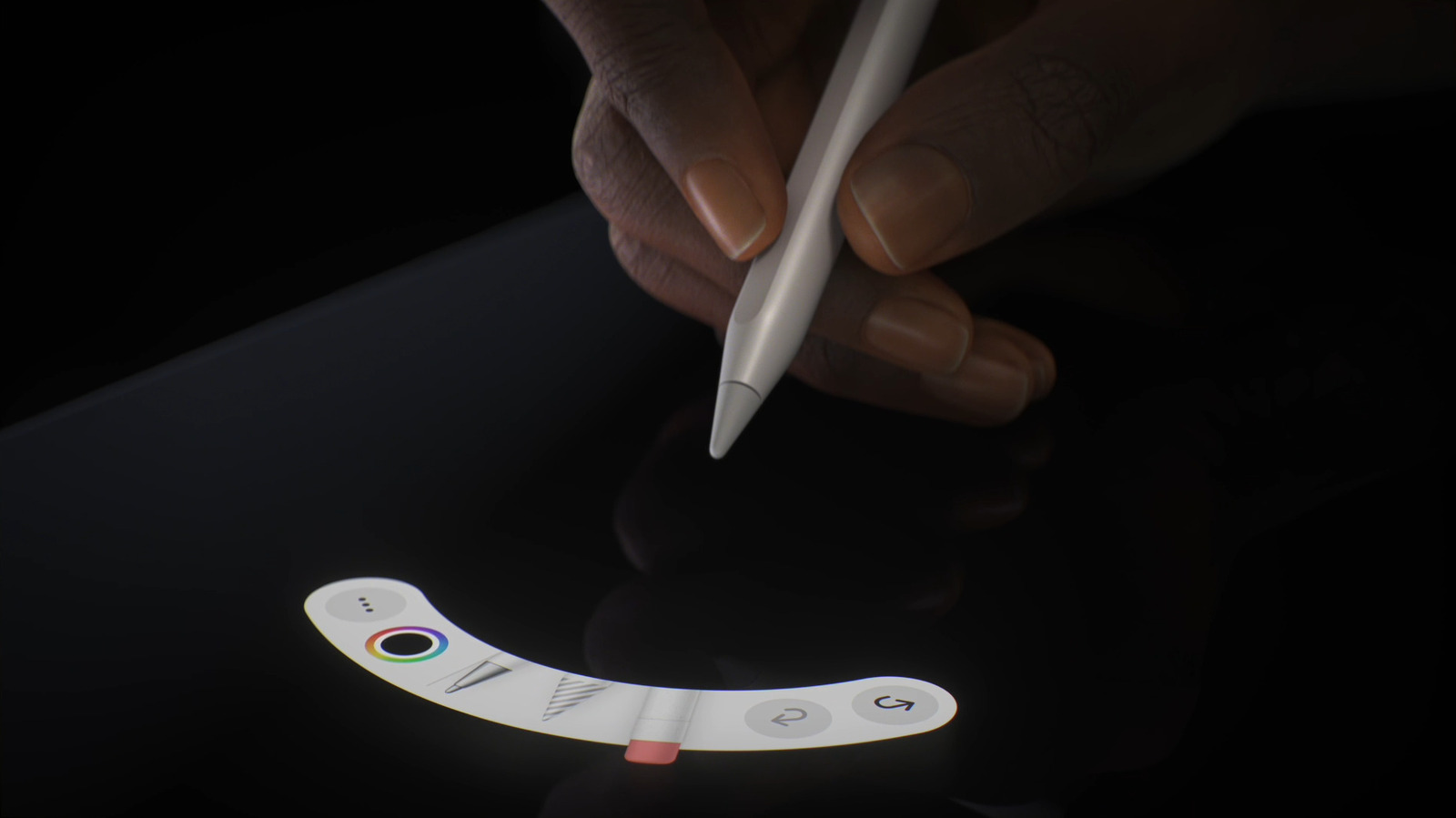
The Apple Pencil has become an essential tool for iPad owners who want accurate drawing, note‑taking, or navigation, but the way the stylus connects to a tablet differs significantly across today’s models.
Apple currently sells two versions of the Pencil. The original, first‑generation model is recognizable by its all‑white, smooth body and a detachable cap; it pairs by inserting its Lightning connector straight into the iPad’s charging port. The second‑generation Pencil, which sports a matte finish and a flat side for magnetic attachment, links wirelessly when snapped onto the side of a compatible iPad.
Which method you must use depends primarily on device compatibility. The first‑generation Pencil works with the iPad (6th‑generation) and newer, the iPad mini (5th‑generation) and newer, the iPad Air (3rd‑generation), as well as the original iPad Pro 9.7‑inch, 10.5‑inch, and 12.9‑inch (1st‑generation). All of these rely on Lightning pairing: remove the cap, place the Pencil’s tip into the port, and accept the on‑screen prompt.
The magnetic, second‑generation Pencil is supported by the iPad Pro 11‑inch (1st‑generation onward), iPad Pro 12.9‑inch (3rd‑generation onward), iPad Air (4th‑generation onward) and iPad mini (6th‑generation). When the Pencil rests on the magnetic strip along the device’s edge, the iPad detects it, shows a pairing notification, and a single tap finalizes the connection. That same magnetic connection also charges the stylus, providing up to 15 minutes of use after just a 30‑second charge.
Beyond the physical steps, users need to meet software requirements. Pairing generally calls for iPadOS 12.2 or later; older OS versions may not recognize the Pencil and will prompt a firmware update. After a successful pair, the Pencil’s battery level appears in the widget tray, letting users keep an eye on charge without detaching the device.
Knowing these differences matters for new purchasers and current iPad owners alike. Buying the wrong Pencil—such as a first‑generation stylus for a magnet‑compatible iPad—will prevent pairing and cause needless frustration and expense. Apple’s website and most retailers now list compatible iPad models next to each Pencil generation to help avoid this pitfall. Analysts predict Apple will keep improving the tablet‑stylus integration, possibly rolling out a universal magnetic charging system for all iPads. Until that happens, users must verify compatibility and follow the appropriate pairing steps to fully unleash the Apple Pencil’s creative capabilities.



Comments (0)
Be the first to comment.
Join the discussion