How and When to Restart Your Fitbit: A Handy Manual
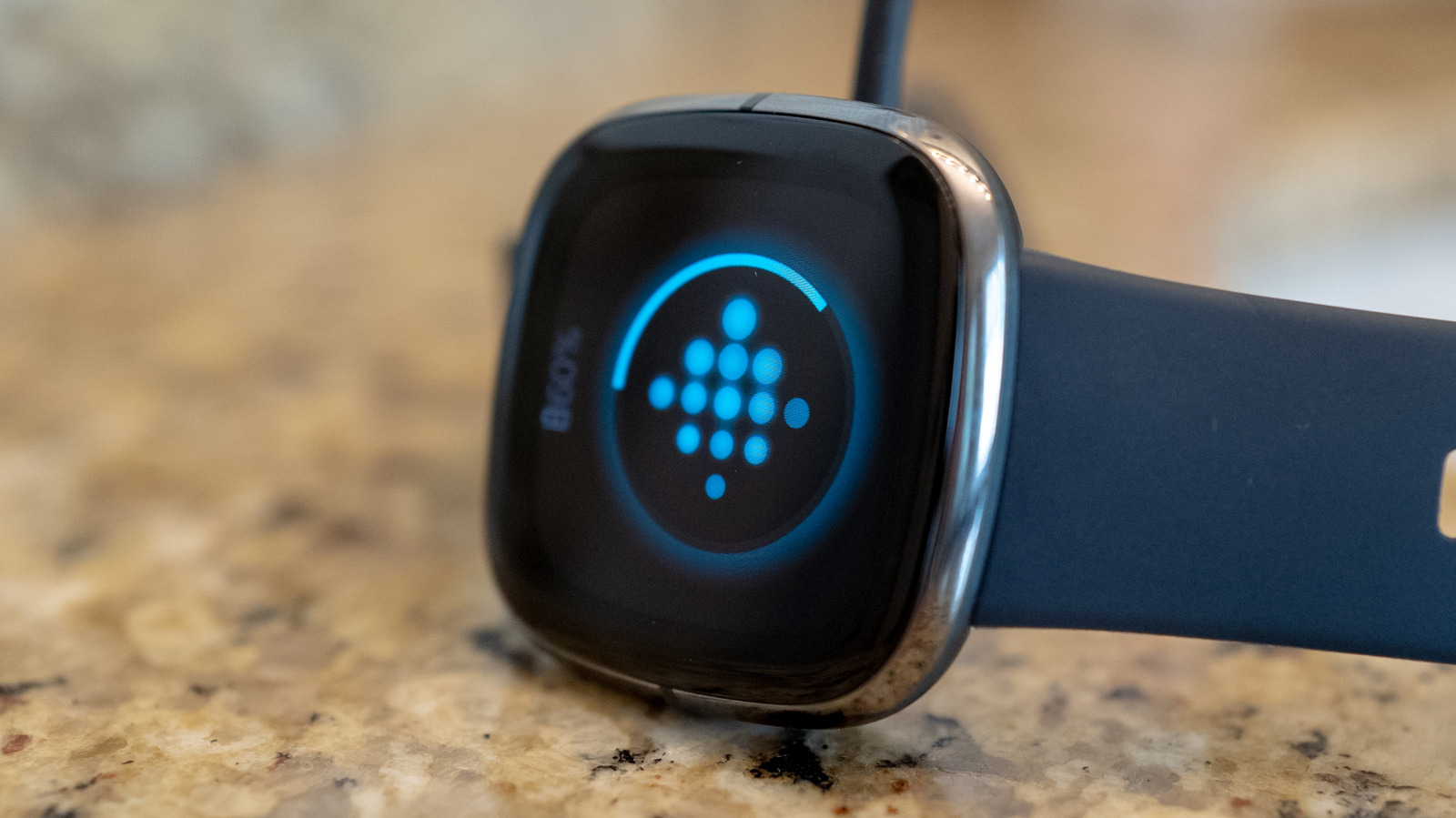
Rebooting a Fitbit watch may not be a novel technique, yet it stays the simplest solution for a variety of common hiccups, such as a locked screen or lost activity records.
It functions by wiping the device’s volatile memory and prompting the OS to restart, which can restore a dropped Bluetooth link, fix sensor calibration, and clear software glitches that accumulate.
Owners generally employ a power‑cycle when the watch fails to sync with its companion app, when heart‑rate data turns erratic, or when step totals look abnormally low despite normal activity. An unusually rapid battery drain can likewise indicate that a quick reboot might restore normal power handling.
No fixed timetable exists for rebooting a Fitbit; the maker’s support documentation recommends resetting only when issues occur. A few users report that a regular restart—maybe monthly—keeps the device operating smoothly, yet more frequent cycles provide no clear advantage and could accelerate wear on the hardware.
For most Fitbit models, hold down the side button (or the specific button combo on older units) for roughly 8‑10 seconds until the display flashes or the device vibrates. Once the watch powers up again, it will automatically try to pair with the phone and continue tracking, preserving any stored information.
While ongoing firmware updates enhance stability and may reduce the necessity for manual reboots, the classic “turn it off and on again” approach still serves as a useful troubleshooting aid, keeping the device dependable for everyday health tracking.


Comments (0)
Be the first to comment.
Join the discussion