Sharing Photos Across Platforms: How to Preserve Android Image Quality When Sending to iPhone
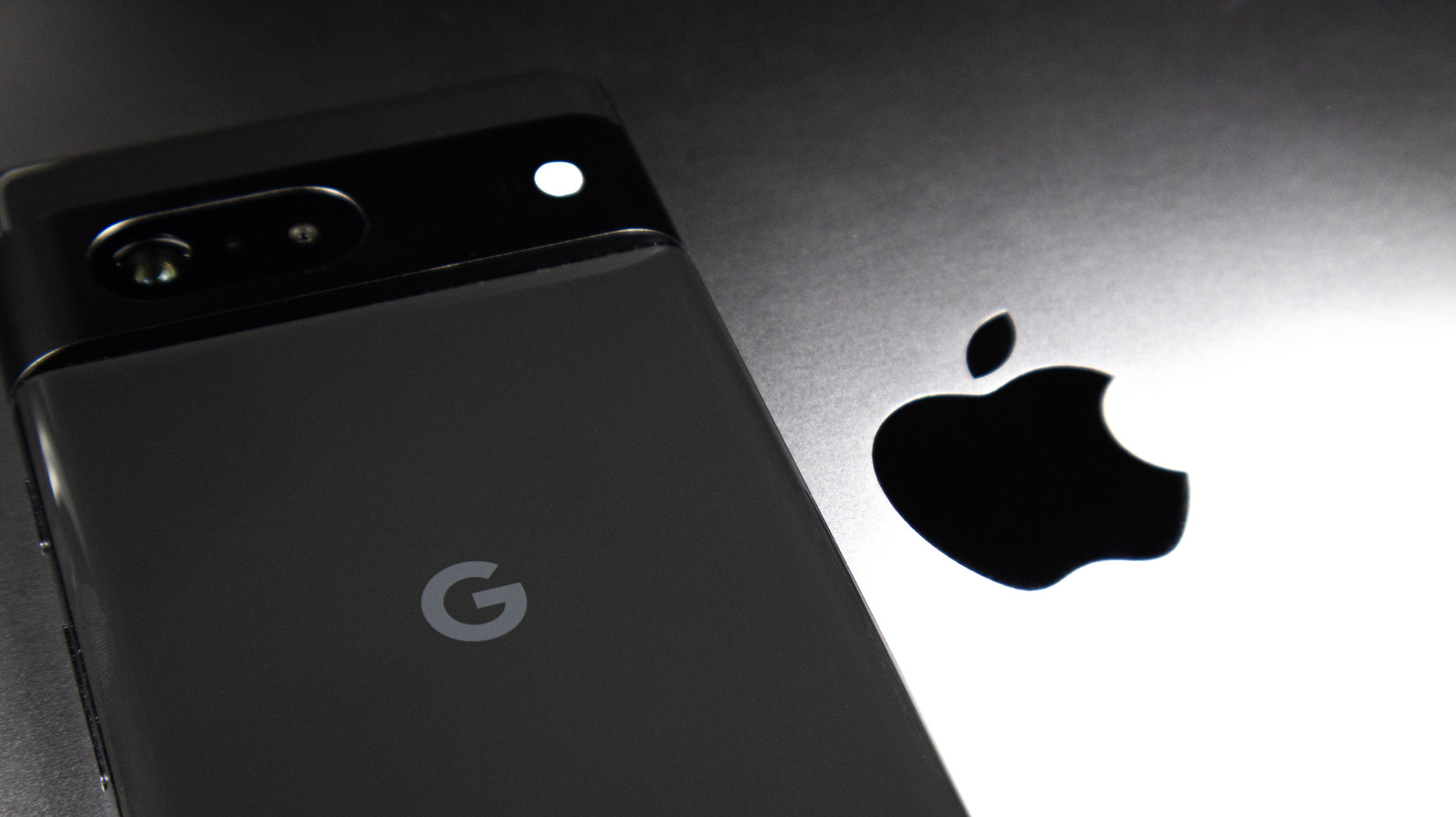
Transferring photos and videos from an Android device to an iPhone frequently leads to reduced quality, a annoyance for users who want their media to appear as crisp on the recipient’s screen as on the original. The problem originates from many widely‑used messaging and email services that automatically compress files to conserve bandwidth, a step that can erase fine detail and color accuracy.
A dependable fix is to turn to cloud‑based storage options such as Google Drive, Dropbox, or OneDrive. By placing the original files in a private folder and sharing a direct link, the sender sidesteps automatic compression, letting the recipient download the media at its native resolution. Both Android and iOS include native support for these platforms, making the approach simple.
An additional route involves dedicated file‑transfer applications designed to retain media quality. Programs like Send Anywhere, Xender, or SHAREit set up a peer‑to‑peer link over Wi‑Fi or a local network, moving the file without changing its size or format. The Android user creates a QR code or a six‑digit key, which the iPhone user scans to start the transfer.
Email can also act as a channel for high‑resolution media, as long as the sender attaches the files directly instead of embedding them in the email body. Most email services allow attachments up to 25 megabytes; for larger video files, splitting them across several emails or providing a cloud link is advisable. Unlike many instant‑messaging apps, email does not automatically re‑encode images.
For those who favor a more unified workflow, the built‑in “Files” app on iOS can reach shared folders from Android‑compatible services, while Android’s “Files” or “My Files” app can link to iCloud via third‑party clients. This method consolidates media in one place, cuts down on juggling multiple apps, and preserves the original resolution throughout the transfer.
As cross‑platform communication keeps expanding, grasping these techniques becomes ever more vital for both personal and professional users. Though no single method covers every use case, employing cloud storage, peer‑to‑peer apps, or direct email attachments provides dependable ways to keep images and videos at their best when moving from Android to iPhone.

Comments (0)
Be the first to comment.
Join the discussion