Phones automatically purge dormant apps to free space, simplifying storage management
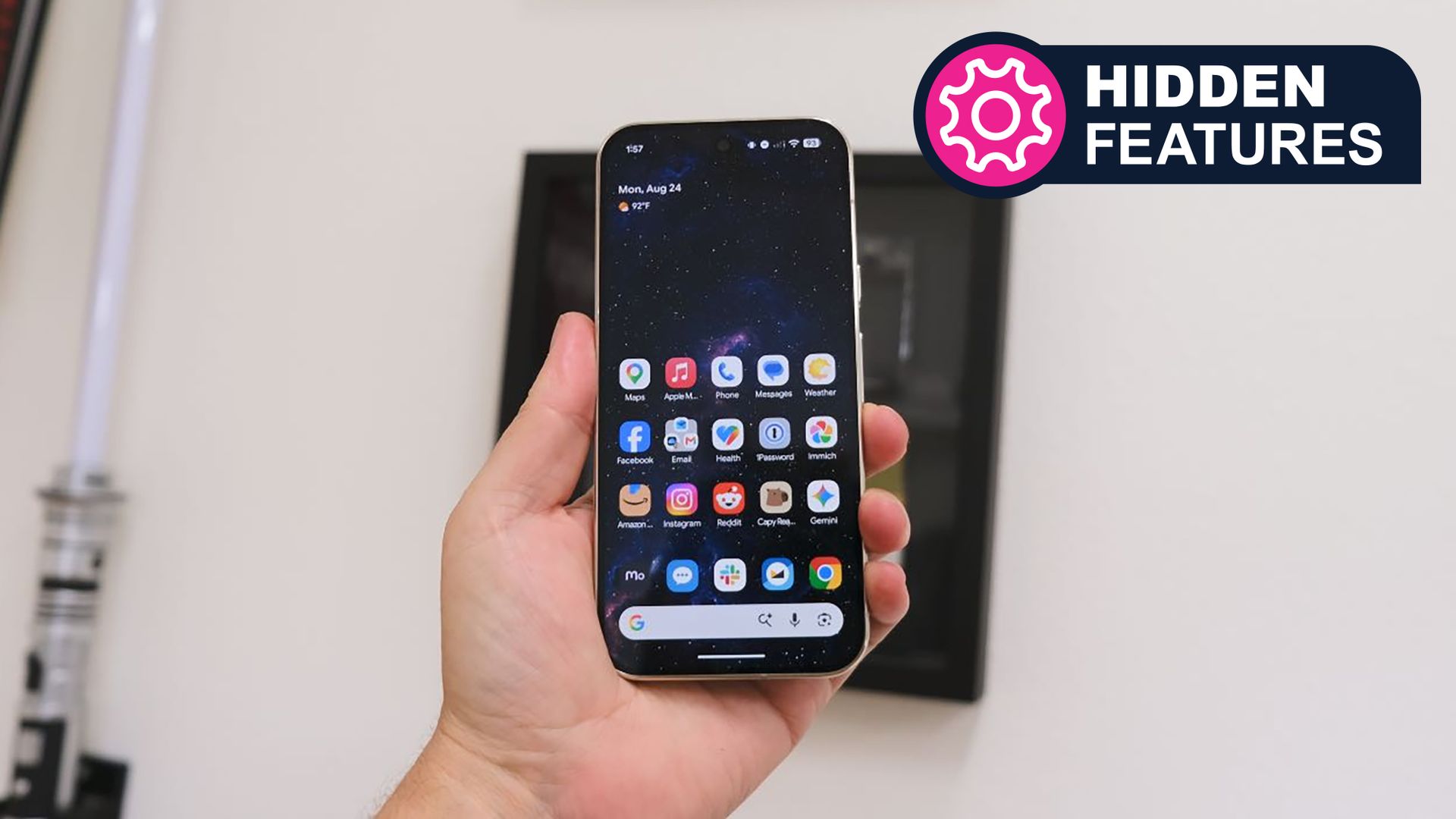
Modern smartphones now come with an integrated feature that quietly removes apps you haven’t launched for some time, allowing valuable storage to be reclaimed without any user action.
Available on Android and iOS under labels such as \"App auto‑delete\" and \"Offload Unused Apps\", the tool tracks how often apps are used and, when storage becomes scarce, briefly uninstalls those rarely opened while keeping their data intact. Should you reinstall the app later, its settings and files reappear, rendering the action almost unnoticed by most users.
Because today’s phones hold a blend of media, games and productivity apps, their storage can fill up fast. People may be downloading movies for a long trip, shooting impromptu video, or just trying to keep photos and music at hand. The auto‑cleanup seeks to stop the dreaded \"storage full\" alert that can disrupt such tasks.
TechRadar was the first to point out the usefulness of this concealed cleanup option, observing that numerous users are unaware it exists. Though the toggle is generally off by default, it can be switched on via the system’s storage or app‑management menus. After activation, the OS assesses how often each app is launched and discards those that dip below a usage threshold, usually after a few weeks of inactivity.
Analysts view this development as a component of a wider shift toward more intelligent resource handling on phones. With makers rolling out bigger displays, higher‑resolution cameras and increasingly demanding apps, internal flash memory is under greater strain. Automated utilities that boost usable capacity without forcing users to manually purge files may raise overall satisfaction and lessen the demand for expensive storage expansions.
Users turning on the feature need to remember that certain apps—especially those that run background services or keep vital data on the device—might have to be re‑downloaded if they become necessary later. Nonetheless, because the data is retained, personal settings, login information and offline content stay preserved.
In the future, developers could be given finer‑grained options to decide which components of an app are eligible for offloading, and OSes might embed predictive algorithms that forecast storage spikes—say, ahead of a scheduled video download. At present, the concealed auto‑delete setting provides a simple method to keep a phone operating smoothly without continual manual tidying.

Comments (0)
Be the first to comment.
Join the discussion