Android Split‑Screen Multitasking Available on All Phones, Not Just Foldables
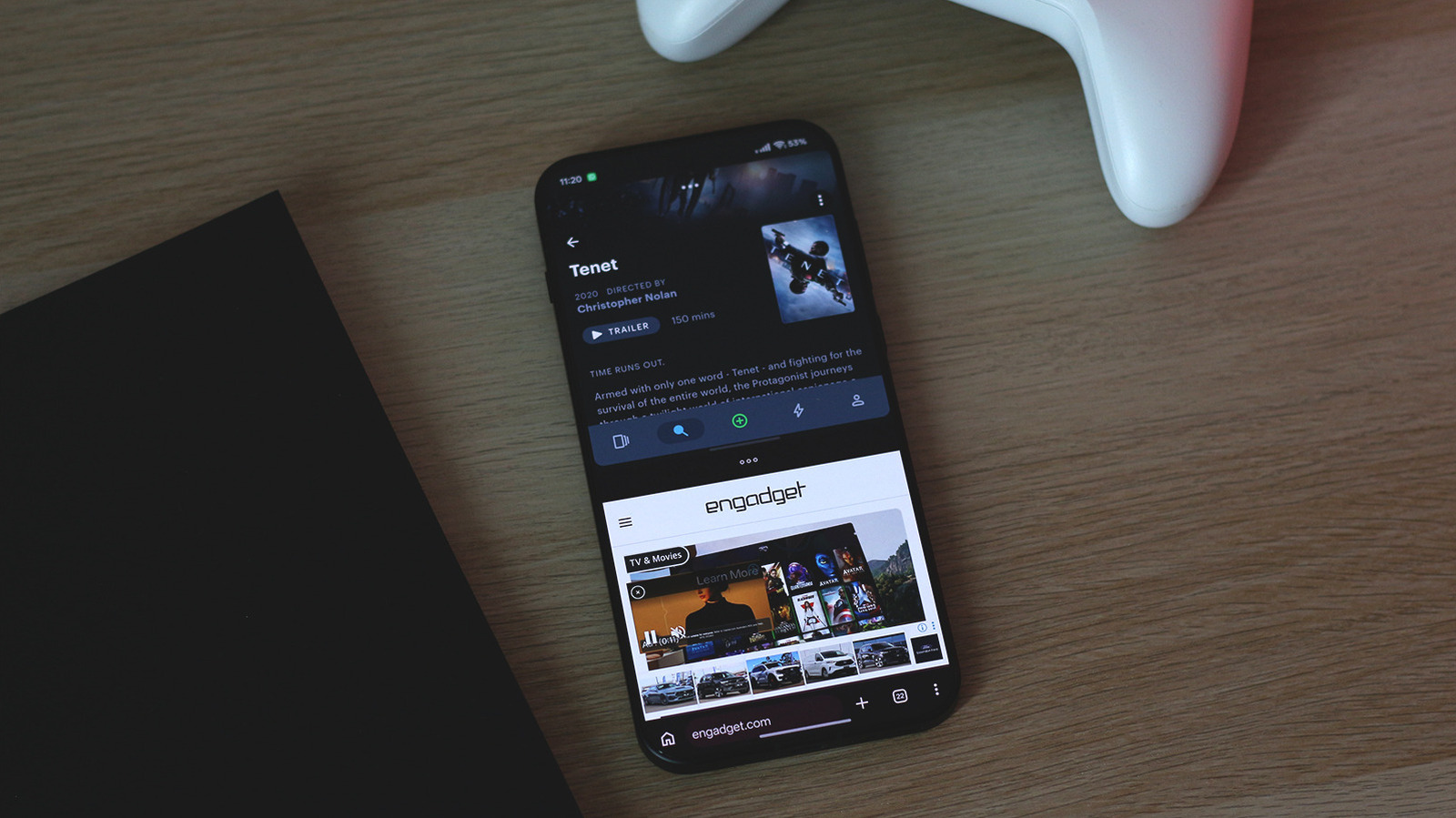
Android, Google’s mobile OS, permits two applications to operate concurrently side‑by‑side on a standard smartphone—a feature many assume is limited to bigger foldable handsets. Since its debut in Android 7.0 Nougat, split‑screen can be turned on on the majority of devices with up‑to‑date software, requiring no extra hardware.
To start the mode, open the recent‑apps screen, tap the app’s icon and pick “Split screen” from the pop‑up menu, then select another app to occupy the remaining space. Alternatively, you can drag an app’s title bar to the top or bottom edge, causing Android to shrink it and launch a second app beside it.
Beyond the native solution, a variety of third‑party launchers and utility apps broaden multitasking possibilities. These programs can offer floating windows, pop‑up view, or swift‑switch gestures that emulate a desktop‑like workflow, letting you keep a chat app, video player, or navigation pane visible while using another application.
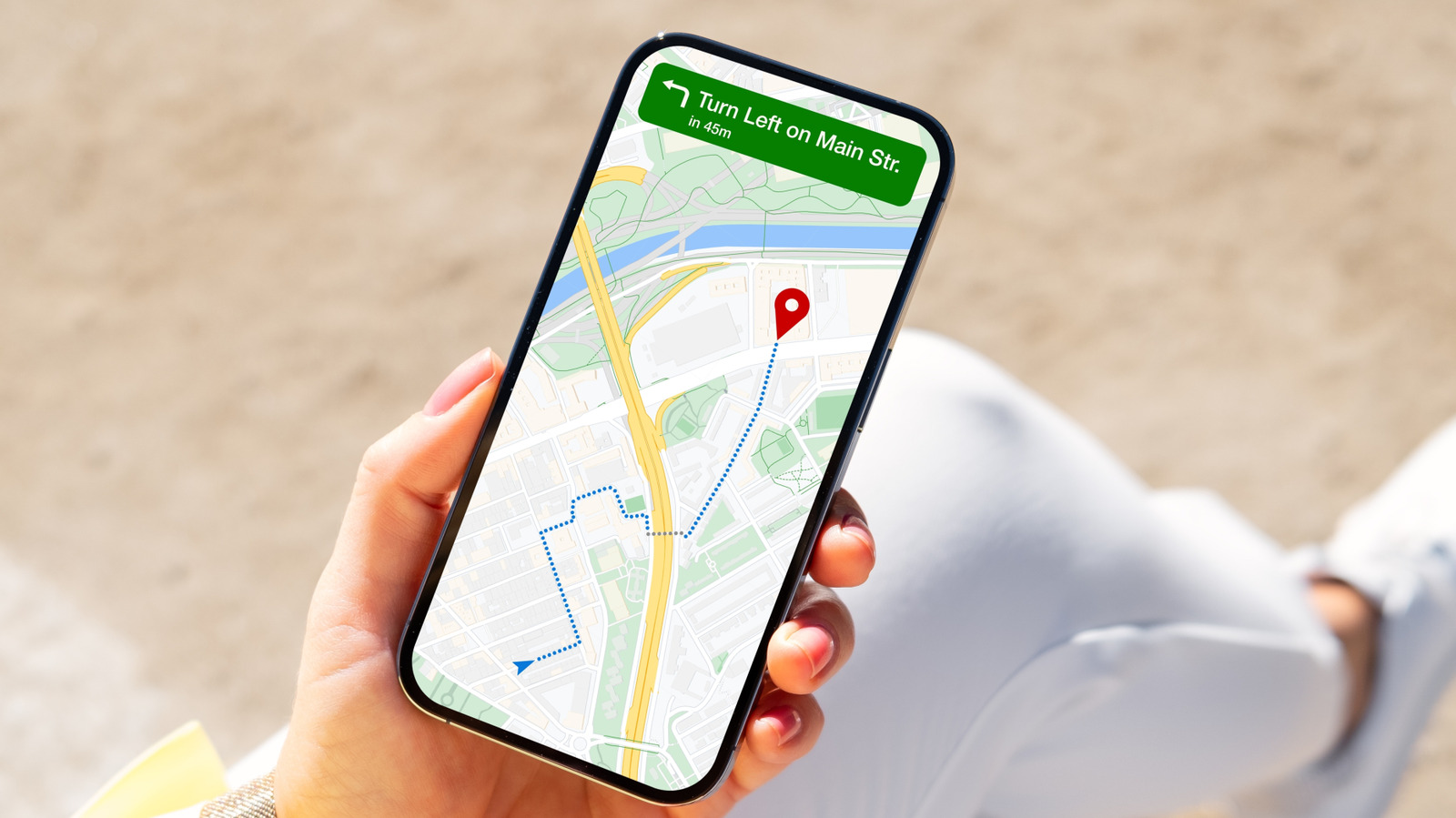
The feature proves handy for productivity, such as viewing a document while composing an email, juxtaposing product listings, or following a map while messaging. Although foldable phones and tablets naturally provide more screen area, Android’s software‑level split‑screen ensures ordinary smartphones aren’t left out.
Device makers have steadily polished the experience, adding smoother animations and improved app compatibility in Android 9 Pie, Android 10 and Android 12. Some vendors also ship custom gesture shortcuts that launch split‑screen even more quickly, yet the underlying capability remains part of the core OS.
Analysts observe that making split‑screen widely available on everyday phones may push developers toward more adaptable UI designs, so their apps function well both in full‑screen and multi‑window modes. This trend dovetails with Google’s continued effort to render the mobile platform more flexible for work and play.
Looking forward, Google is expected to keep refining multitasking, perhaps adding deeper support for external displays, stylus input, and fluid hand‑offs between phone and desktop via ChromeOS. For now, the takeaway is simple: a foldable isn’t required to enjoy Android’s split‑screen; any compatible smartphone can run two apps side by side.
Comments (0)
Be the first to comment.
Join the discussion