Use Your Phone’s Camera to Check If a Remote’s Batteries Are Still Good
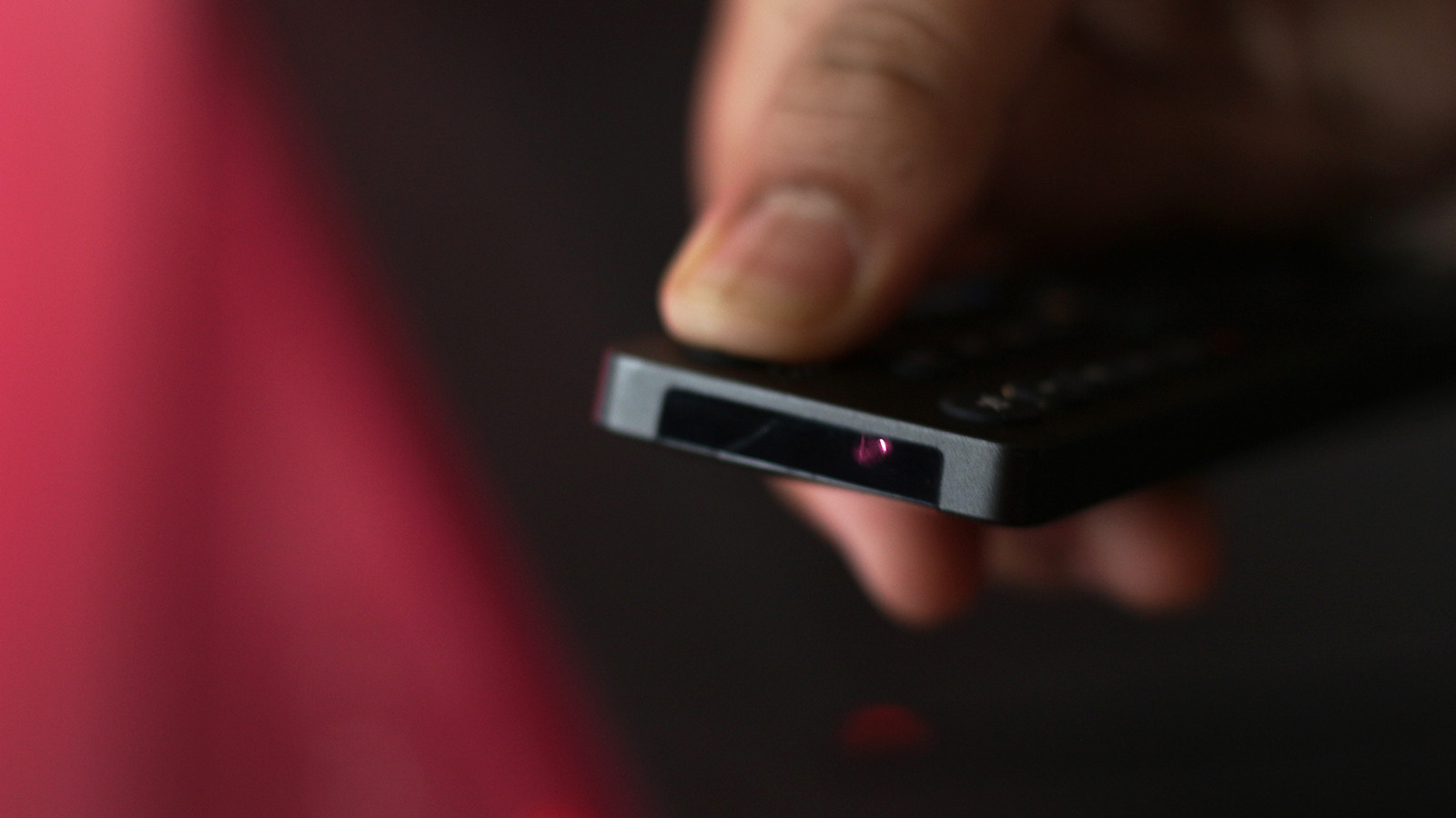
A straightforward trick uncovered by gadget enthusiasts lets you gauge a TV or universal remote’s battery life without removing them: point your phone’s camera at the remote’s infrared LED and press any key. A faint flash seen on the screen means the cells are still good; the absence of a flash signals they need changing.
It relies on the fact that the majority of remotes send out infrared radiation—undetectable to our eyes yet detectable by digital camera sensors. Set your phone’s camera to video, aim it at the remote’s front, and tap a button; the LED will flicker. The sensor logs this short pulse as a bright dot, despite it being invisible to the human eye.
Today's smartphones contain image sensors that, even with built‑in IR filters, can react to low‑level infrared wavelengths. No extra applications are needed—the default camera app does the job. Detection tends to improve on phones with more sensitive sensors or when you manually tweak the exposure settings.
In addition to being handy, this approach eliminates much of the guesswork that comes with remote diagnostics. You no longer have to wait for a remote to fail before opening its battery compartment—particularly beneficial for hard‑to‑access or wall‑mounted units. Moreover, it cuts down on needless battery waste, supporting larger sustainability objectives.
Although the hack has been shared across tech forums and featured by Engadget, it isn’t foolproof. Certain remotes employ ultra‑low‑power LEDs that may be too faint for some phone cameras, and devices equipped with aggressive infrared filters might miss the flash entirely. Still, it provides a fast, free initial test before you resort to changing batteries, illustrating how commonplace gadgets can be adapted for useful problem‑solving.


Comments (0)
Be the first to comment.
Join the discussion