Why Your Webcam and Microphone Frequently Misbehave—and How to Resolve It
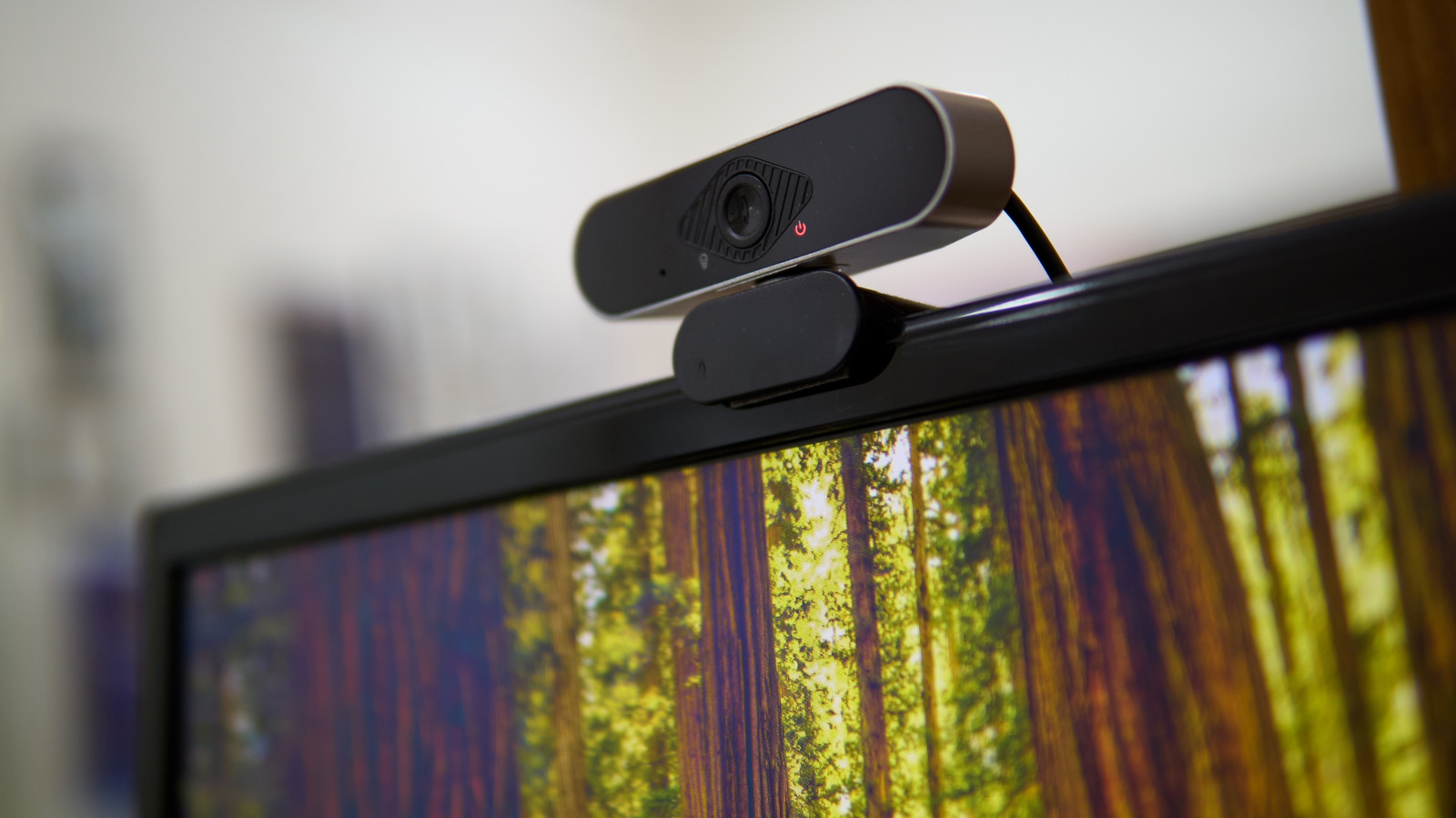
With remote work and virtual meetings now commonplace, a faulty webcam or mic can quickly turn a routine call into a vexing ordeal. Across various platforms, users indicate that the primary reasons are seldom hardware breakdowns but rather a blend of software configurations, driver problems, and simple physical blockages.
One of the first hurdles is operating‑system permissions, which often prevent access. Both Windows and macOS demand that users explicitly authorize apps to use cameras and microphones, and a recent OS update can wipe those approvals. Verifying the privacy settings—specifically the "Camera" and "Microphone" sections in the system preferences—usually reinstates functionality without further steps.
Out‑of‑date or corrupted drivers constitute the next most common issue. Drivers act as translators between the device and the OS, and a missing or mismatched driver can make the hardware invisible to programs. Launching the built‑in device manager or employing the manufacturer’s update tool to reinstall the newest driver version generally fixes the problem.
Physical causes are surprisingly prevalent: a stray piece of tape, a dusty lens, or a muted mic switch can go unnoticed. Users should examine the webcam for any blockage, confirm that any built‑in mute button is off, and check that external USB devices are firmly plugged in.
Software clashes also contribute, especially when several applications compete for the same resource. Background tools such as video editors, streaming utilities, or even browser extensions can lock the camera or mic, barring other apps from using them. Shutting down unnecessary programs or rebooting the computer often releases the lock.
Lastly, system updates and security suites may unintentionally disable devices as part of broader protection measures. Reviewing recent OS patches or antivirus configurations for newly imposed restrictions can reveal hidden blocks. By systematically inspecting permissions, drivers, physical connections, and software interactions, most users can get their audio‑visual setup back on track before the next scheduled meeting.

Comments (0)
Be the first to comment.
Join the discussion