How to Stop Your Roku-Linked TV From Turning On By Itself
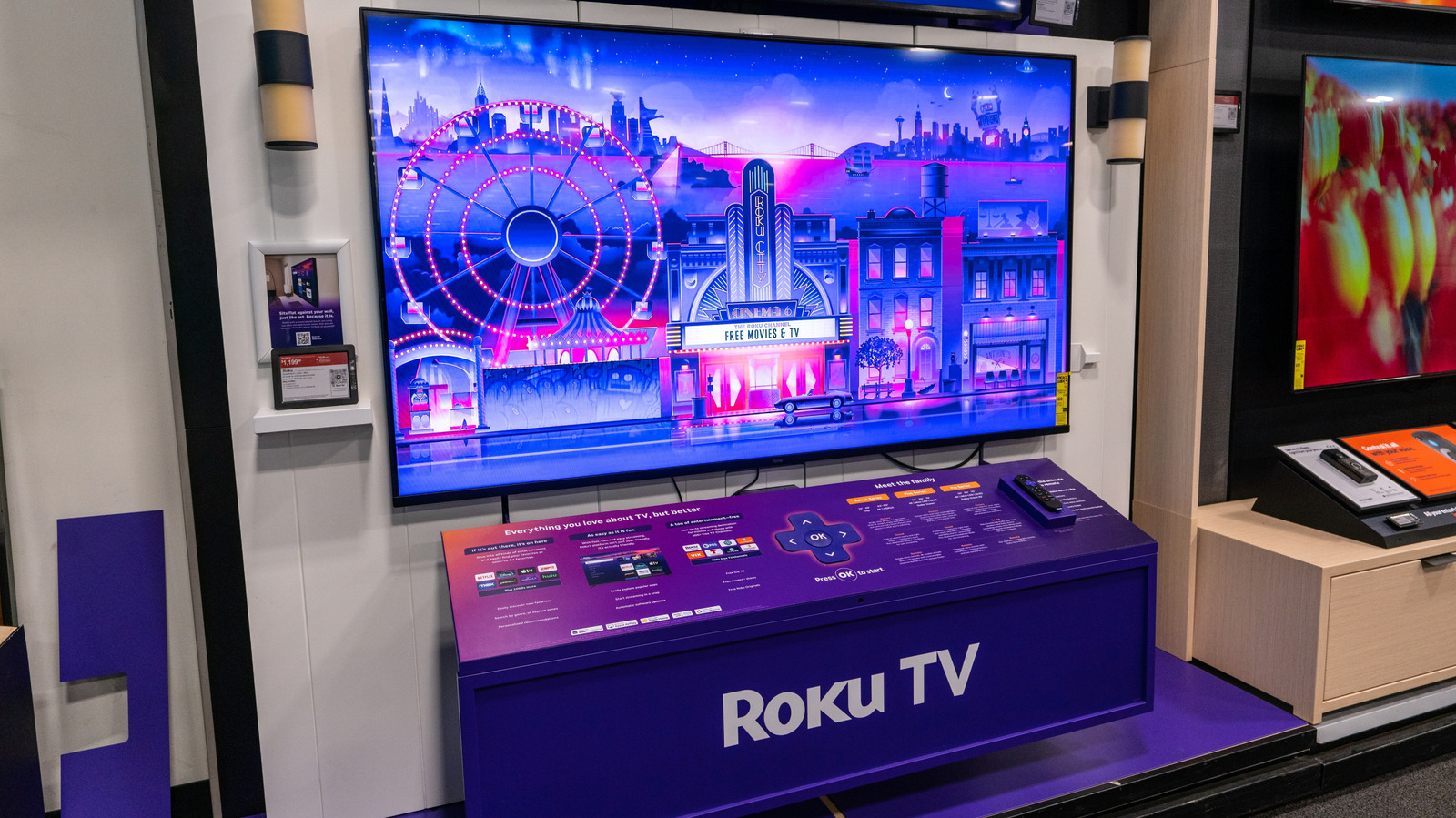
A number of Roku‑connected TV owners have noticed that their screens sometimes power up on their own, a irritation that usually originates from the streaming device rather than the television itself.
A typical culprit is the "Auto Power On" setting, which permits a Roku to awaken the TV whenever a channel is chosen or an app is launched. When the Roku picks up a remote command, a network signal, or even a scheduled event, it can dispatch a power‑on request to the TV, making it appear to start without user action.
The "Mobile Power On" option is another common source; it allows the Roku smartphone app to switch the TV on remotely. Users with the app installed might unintentionally tap a button or experience an errant touch, causing the TV to boot. In addition, the HDMI‑CEC (Consumer Electronics Control) protocol can make the TV react to signals from other HDMI‑connected gear, such as game consoles or soundbars, that are set to power up automatically.
To remedy these problems, users can open the Roku settings menu and turn off the relevant features. Disabling "Auto Power On" and "Mobile Power On" stops the device from issuing power commands, while tweaking HDMI‑CEC settings either on the Roku or within the TV’s own menu can block cross‑device wake‑ups. Keeping the Roku’s firmware up to date may also fix bugs that occasionally generate stray power signals.
Knowing why a Roku‑enabled TV may power itself is helpful not only for cutting down irritation but also for saving energy. Unwanted turn‑ons can raise electricity consumption and add wear to the TV’s components. By reviewing and adjusting the power‑related settings, viewers can regain control over when the screen lights up, keeping the viewing experience firmly in their hands.
Comments (0)
Be the first to comment.
Join the discussion