Understanding SD Card File Size Limits: Why 4 GB Caps Occur and Ways to Bypass Them
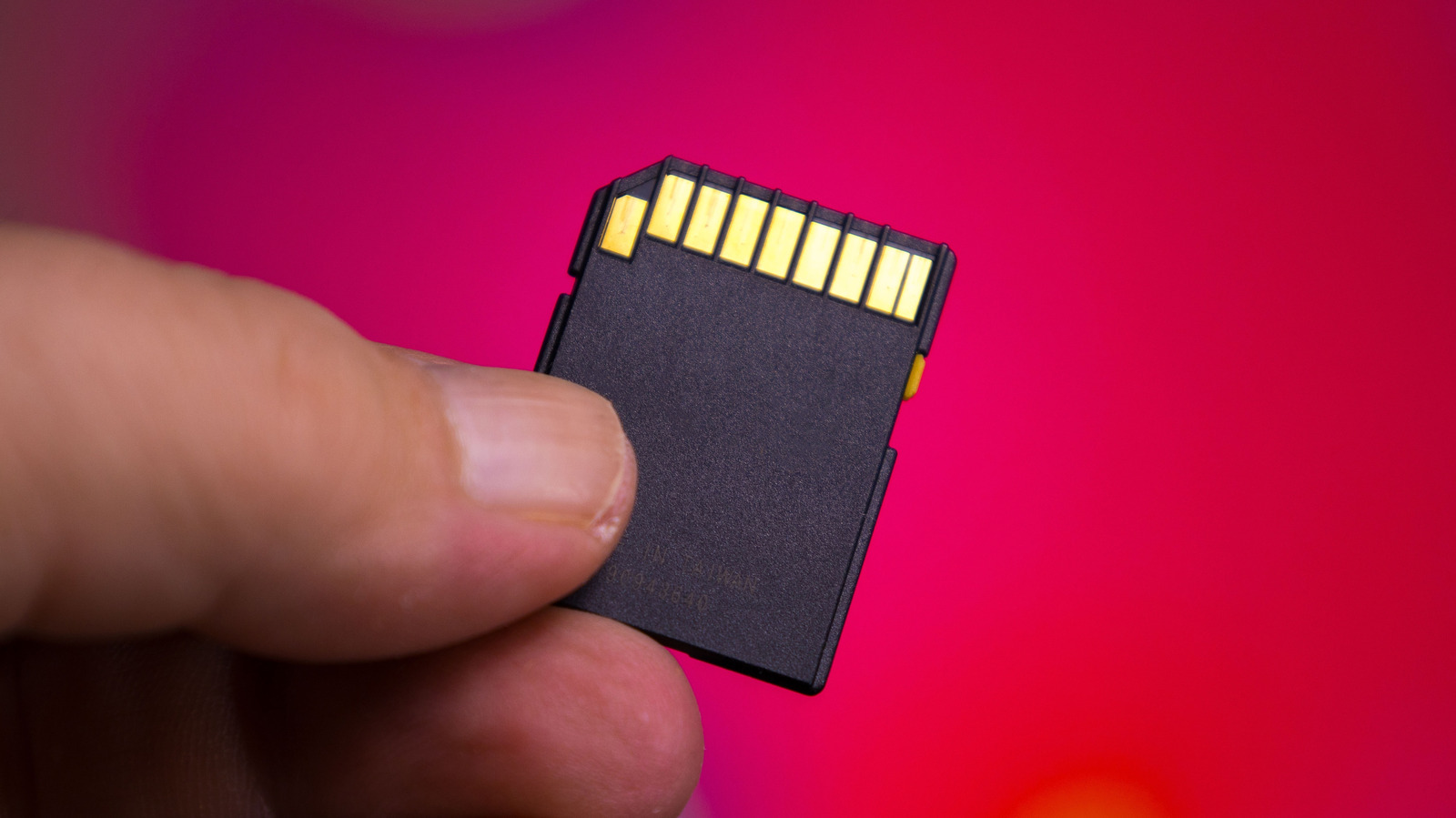
Many users hit a frustrating obstacle when they try to copy large video or backup files onto an SD card: the transfer stops or fails once the file size goes beyond 4 GB, even though plenty of free space remains on the card. This restriction isn’t a flaw in the card itself but stems from the default file system it’s formatted with.
Typical consumer‑grade SD cards arrive pre‑formatted with the FAT32 file system, a format that originated in the mid‑1990s. While FAT32 enjoys wide compatibility with cameras, smartphones, gaming consoles and older computers, it enforces a strict 4 GB ceiling on any single file. When a user attempts to move a video, a high‑resolution photo set, or any other sizable file that exceeds that limit, the operating system blocks the action, reporting insufficient space despite the card’s available capacity.
The fix is simple: reformat the card to a file system that allows larger files, such as exFAT or NTFS. exFAT, launched by Microsoft in 2006, preserves the broad device support of FAT32 while raising the file‑size cap to virtually unlimited levels (up to 16 EB). NTFS provides comparable capabilities but is less universally recognized by non‑Windows devices, making exFAT the usual choice for portable media. Users can reformat via the built‑in utilities in Windows, macOS or Linux, typically by right‑clicking the drive, selecting “Format,” and picking exFAT as the file system.
Before reformatting, it’s crucial to back up any existing data because the operation erases everything on the card. Moreover, some older equipment—especially legacy cameras, drones, or car audio units—may not detect exFAT and will fall back to FAT32 as the only workable option. In those scenarios, users must either split large files into smaller pieces with file‑splitting software or upgrade to a newer device that supports exFAT.
Grasping the underlying file‑system limitation helps users sidestep needless annoyance and make informed storage choices. As newer hardware increasingly adopts exFAT as the default, the 4 GB ceiling should gradually disappear, but for now a quick reformat or careful file management remains the most effective way to move larger files onto an SD card.



Comments (0)
Be the first to comment.
Join the discussion