Why a Wired Ethernet Link May Trail Wi‑Fi: Hidden Reasons Revealed
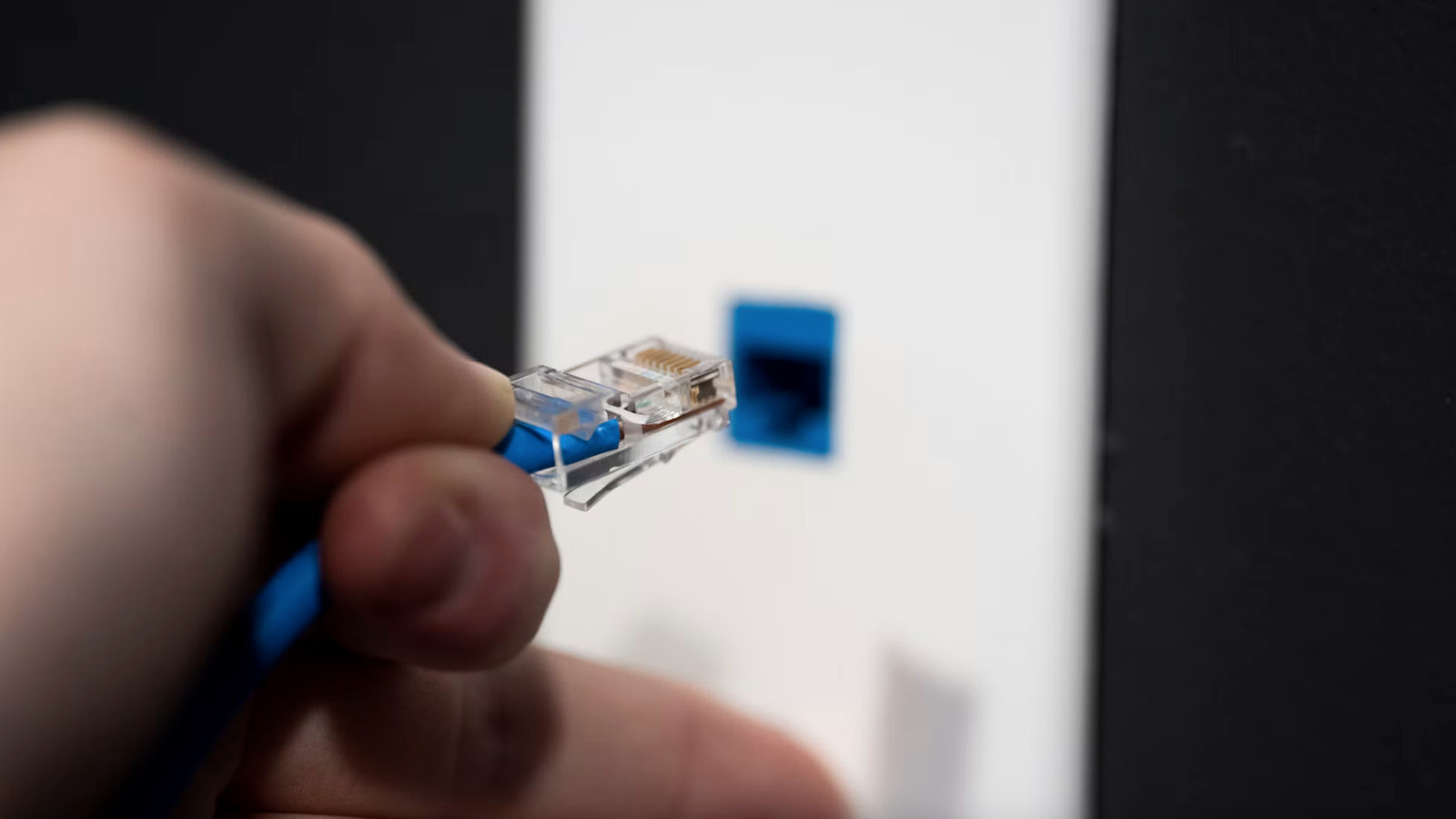
Many assume that plugging directly into Ethernet guarantees the quickest home network speeds, yet recent findings show a variety of hardware and software scenarios where a wired connection can actually fall short of a smoothly running wireless link.
Physical issues rank highest among culprits. Cables of inferior quality or those that have suffered damage—particularly when they exceed the length limits for their category—can cause signal loss and crosstalk. Badly crimped connectors, bent wires, or using a cable not rated for the network’s speed (for instance, a Cat5e on a gigabit‑only router) also diminish throughput. In certain situations, electromagnetic interference from nearby power lines or appliances further degrades the signal.
Software choices and configuration settings play an equally vital role. A mismatch between the network interface card (NIC) and the switch or router—such as forcing half‑duplex on a device while the opposite end expects full‑duplex—generates collisions and retransmissions that throttle data flow. Failures in auto‑negotiation, outdated driver versions, or disabled offloading features can also keep the NIC from reaching its advertised performance.
The gear situated between endpoints can act as an unseen bottleneck. Legacy switches might lack support for newer Ethernet standards or may have ports throttled to save power. Firmware that hasn’t been updated can harbor bugs that restrict bandwidth or misread traffic patterns. Power‑over‑Ethernet (PoE) installations sometimes cap data rates to stay within power limits, unintentionally curbing speed.
Environmental factors add another layer of difficulty. Running Ethernet cables alongside high‑current power cords can introduce electromagnetic noise, while inadequate grounding can create voltage differentials that disturb signal integrity. Even a home’s layout—such as routing cables through walls with metal studs—can impact connection quality.
Being aware of these variables enables more effective troubleshooting. Replacing the cable with a certified Cat6 or higher, confirming that both ends are set to auto‑negotiate, and updating NIC drivers and router firmware are sensible initial actions. If results remain erratic, testing with a known‑good cable and an alternative switch can pinpoint the issue. As Ethernet technology advances, keeping up with hardware standards and optimal configuration practices ensures the medium lives up to its reputation for speed and reliability.



Comments (0)
Be the first to comment.
Join the discussion