Simple Care Guidelines to Keep Your PlayStation 5 Operating Smoothly
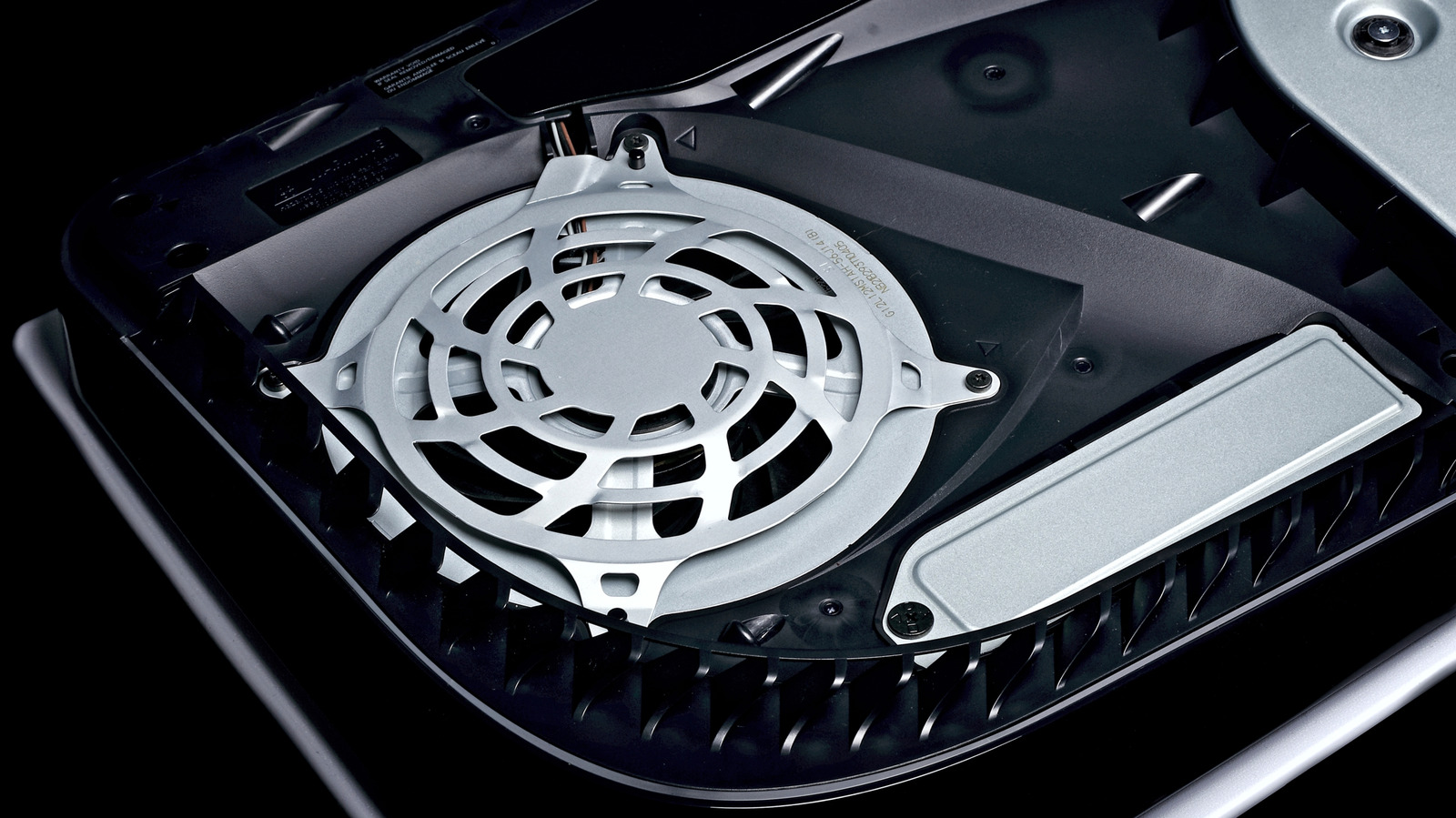
PlayStation 5 owners are advised that regular cleaning can maintain the console’s performance, though it must be done cautiously to prevent unintended damage.
Similar to other high‑performance devices, the PS5 pulls air in through its vents to cool internal parts. With time, dust and lint may build up on the outer grilles and inside the airflow passages, which can cause elevated temperatures, louder fans, or processor throttling.
Specialists suggest an easy procedure: begin by powering off the console entirely and unplugging every cable. With a soft, anti‑static brush, lightly brush away any visible debris from the vent slots. A brief puff of compressed air—kept at a safe distance—can loosen particles lodged deeper within, yet users must refrain from shaking the can or aiming the spray straight at the circuitry. Never use moisture‑based cleaners, solvents, or abrasive implements, as they may corrode contacts or mar the surface.
Because the warranty generally excludes damage from unauthorized opening, manufacturers usually recommend not dismantling the chassis unless equipped with the right tools and expertise. Concentrate instead on cleaning the outer case and the readily accessible vents. Should deeper internal cleaning be necessary, numerous service centers provide professional care that does not void the warranty.
Consistent, gentle cleaning—maybe every few months, based on your surroundings—can lengthen the PS5’s lifespan and keep it running quietly. Owners might also position the console in a well‑ventilated spot, away from carpets or other dust‑attracting surfaces, and employ removable, washable dust‑filter accessories. By embracing these simple practices, gamers can sustain reliable performance while safeguarding the console’s delicate internals.



Comments (0)
Be the first to comment.
Join the discussion