What RAM Size Do Raspberry Pi Projects Actually Need?
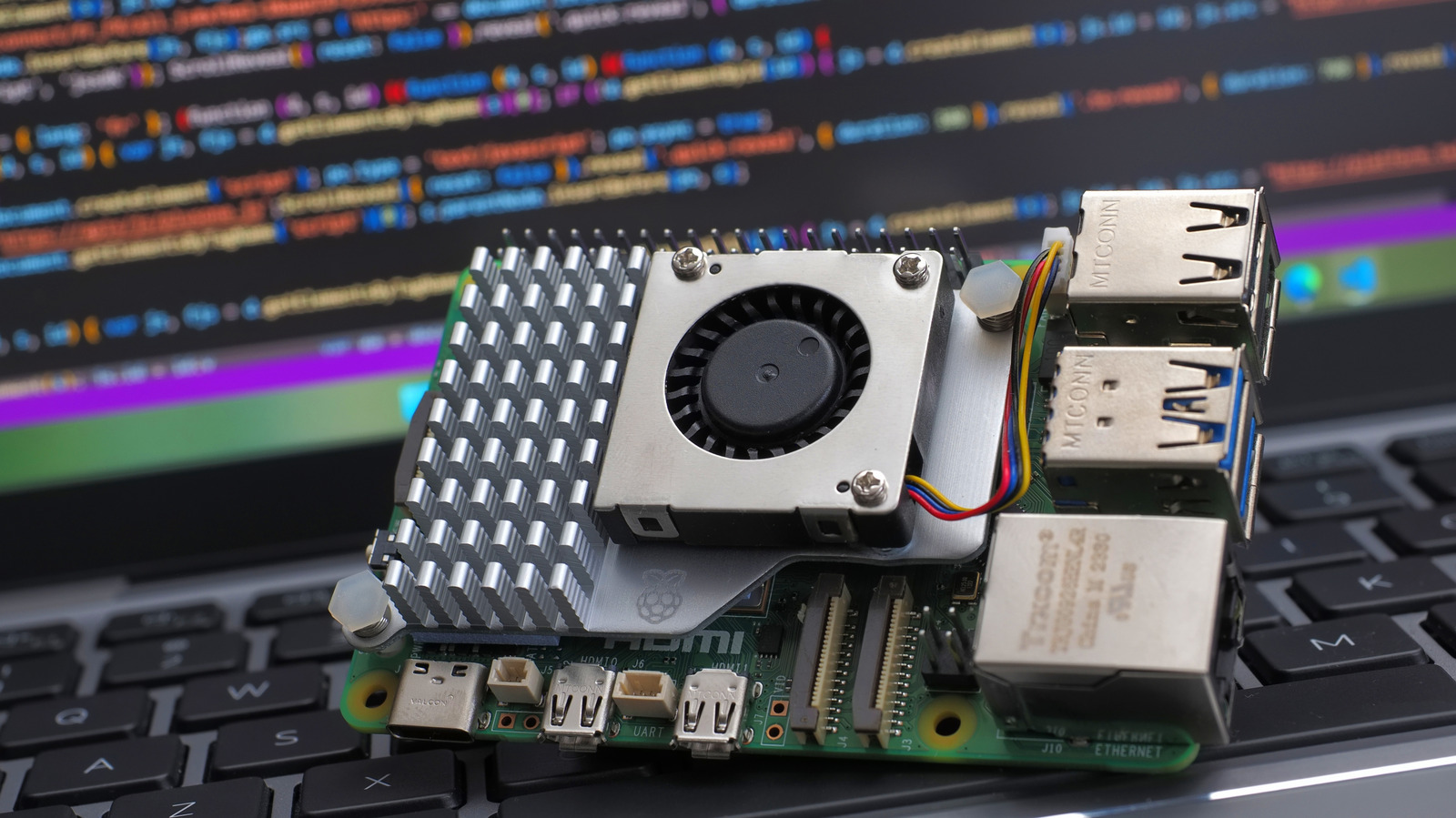
Raspberry Pi boards have become the default choice for hobbyists, educators and makers seeking a low‑cost way to prototype anything from simple sensors to full‑scale desktop replacements. Although the low price is frequently highlighted, determining how much RAM a Pi requires for a particular job can confuse beginners, especially now that the lineup ranges from 512 MB to 8 GB of memory.
At the bottom of the range, the original Raspberry Pi Zero and Zero W are equipped with 512 MB of RAM, which is enough for lightweight tasks such as single‑board sensor nodes, basic GPIO‑driven projects, or head‑less servers running a trimmed‑down Linux distro. These scenarios usually involve a few background services, a tiny web server, or a command‑line interface, all of which comfortably sit within the modest memory budget.
Stepping up, the Raspberry Pi 3 B+ and the earlier 4 GB‑RAM versions of the Pi 4 ship with 1 GB or 2 GB of memory. This extra headroom enables more demanding uses, including multimedia playback, lightweight desktop environments, and development work that involves compiling code or running containerized services. For many makers who want a personal computer for web browsing, office applications or learning programming, 2 GB delivers a smoother experience without constant swapping to the SD card.
The highest‑end models, such as the 4 GB and 8 GB variants of the Raspberry Pi 4 and the newer Raspberry Pi 5, are aimed at power users running memory‑hungry software like media‑center stacks, AI inference models, or several virtual machines. In these cases the operating system itself can eat a sizable portion of RAM, and ample headroom avoids performance bottlenecks that would otherwise appear as lag or crashes. Users planning to host Docker containers, operate databases, or experiment with machine‑learning libraries are advised to choose at least 4 GB.
Beyond raw capacity, the selected operating system and any swap space affect perceived memory requirements. Raspberry Pi OS, the official distribution, offers a “lite” edition that omits the graphical desktop, dramatically lowering baseline RAM usage. In contrast, full‑desktop versions with a GUI, web browser and office suite naturally demand more memory. Adding a modest swap file on a fast micro‑SD card or external SSD can smooth occasional spikes, but it cannot substitute the performance gains of sufficient physical RAM.
In the end, the appropriate amount of RAM depends on the intended workload. Simple automation, sensor logging or casual tinkering can thrive on 512 MB to 1 GB, while projects involving media streaming, desktop use or computational tasks benefit from 2 GB or more. As the Raspberry Pi ecosystem evolves, the price difference between memory configurations shrinks, making it easier for users to pick a model that meets both budget limits and performance goals.


Comments (0)
Be the first to comment.
Join the discussion