Strong Magnets in iPhone Add‑Ons Can Degrade Rear‑Camera Quality
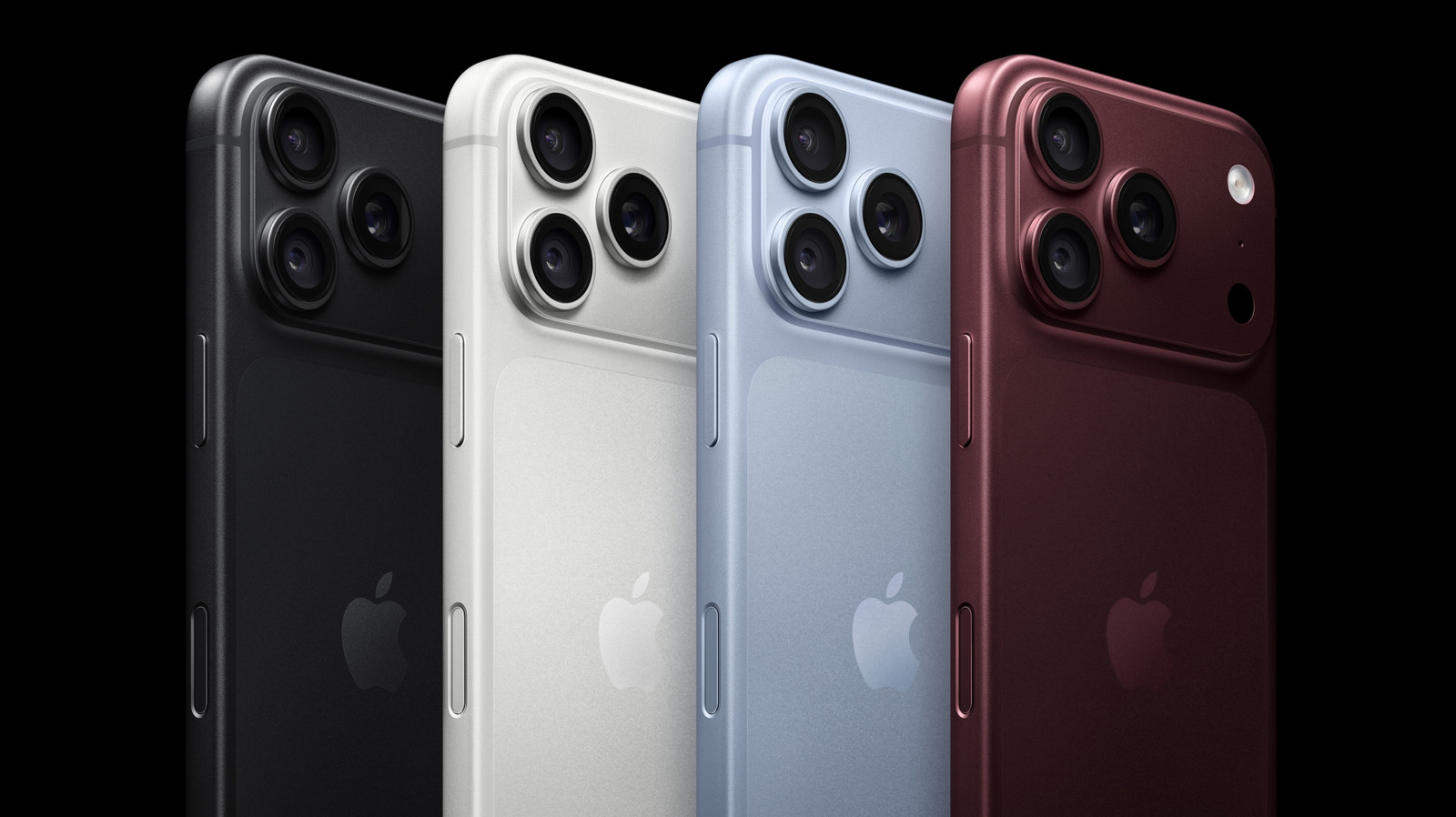
New tests show that the powerful magnets found in many iPhone accessories can lower the quality of photos taken with the rear camera, causing users to rethink the way they attach magnetic mounts, wallets and other add‑ons.
The rear‑facing camera on the iPhone contains a tightly packed group of moving lens elements, a voice‑coil motor that drives autofocus, and an optical image stabilization (OIS) system powered by tiny electromagnetic actuators. These parts are tuned to react to very small magnetic signals, so an external field of sufficient strength can throw the system off.
Apple’s MagSafe line—charging pads, car mounts and compatible cases—relies on neodymium magnets that click into place. Although Apple’s engineers have added shielding to keep stray fields away from the camera module, a number of third‑party products use larger or unshielded magnets to achieve a firmer grip, which raises the chance of interference.
In a hands‑on test, Engadget discovered that placing a magnetic car mount just a few centimeters from the rear camera caused focus hunting, a loss of sharpness and occasional color shifts. Side‑by‑side shots taken without any magnet nearby were markedly clearer, particularly in low‑light conditions where OIS is most active.
The science is simple: magnetic fields can disturb the voice‑coil motor that moves the lens for autofocus and the electromagnetic actuators that counteract hand shake. Moreover, Hall‑effect sensors that tell the camera its orientation may receive incorrect data, prompting the software to apply the wrong stabilization adjustments.
Apple’s official guidelines warn users not to place strong magnets near the camera lens, noting that the built‑in MagSafe ring is designed to stay within safe limits. The advice, however, is vague regarding third‑party gear, leaving a gray area for consumers who assume any MagSafe‑compatible accessory is harmless to all iPhone functions.
For iPhone owners, a practical rule is to keep magnetic accessories at least two to three centimeters away from the rear camera while shooting, remove any metal plates from cases before taking photos, and choose non‑magnetic mounts whenever possible. Those who depend on magnetic car mounts can quickly compare a photo taken before and after attaching the mount to gauge any impact.
Accessory makers are already taking notice. Some have started to embed non‑magnetic silicone layers or to downsize the magnets so they fall within Apple’s suggested field‑strength limits. Analysts speculate that Apple could issue firmware updates that better compensate for external magnetic interference, though such software fixes can only reduce, not fully eradicate, the issue.
As magnetic add‑ons become increasingly common in the smartphone market, the balance between convenience and camera performance will stay under discussion. Future iPhone models are expected to incorporate stronger magnetic shielding, but until then users should stay alert to the proximity of powerful magnets to their rear‑facing lenses.


Comments (0)
Be the first to comment.
Join the discussion