Simple Ways to Boost Your Android Phone's Battery Life
If an Android smartphone is losing power before the day is over, owners can follow a handful of easy steps to prolong battery life without needing a new handset. Current advice from tech publications points out that the majority of drain originates from factory defaults and typical usage habits rather than from any hardware defect.
A highly impactful tweak involves reducing screen brightness or turning on adaptive brightness, which adjusts the display according to surrounding light. Since the screen accounts for the biggest share of a phone's power draw, even slight dimming can yield a few extra hours of use. Pairing this with a reduced screen-off timeout further limits how long the display remains on while the device sits idle.
Background processes represent another major factor. Numerous apps keep pulling data, syncing alerts, or tapping location services even when closed. By opening the battery-usage section in Settings, users can spot the biggest culprits and either curb their background activity, revoke superfluous permissions, or remove seldom-used apps. Disabling "always-on" location and restricting GPS to moments of explicit need also stops the radio hardware from constantly consuming power.
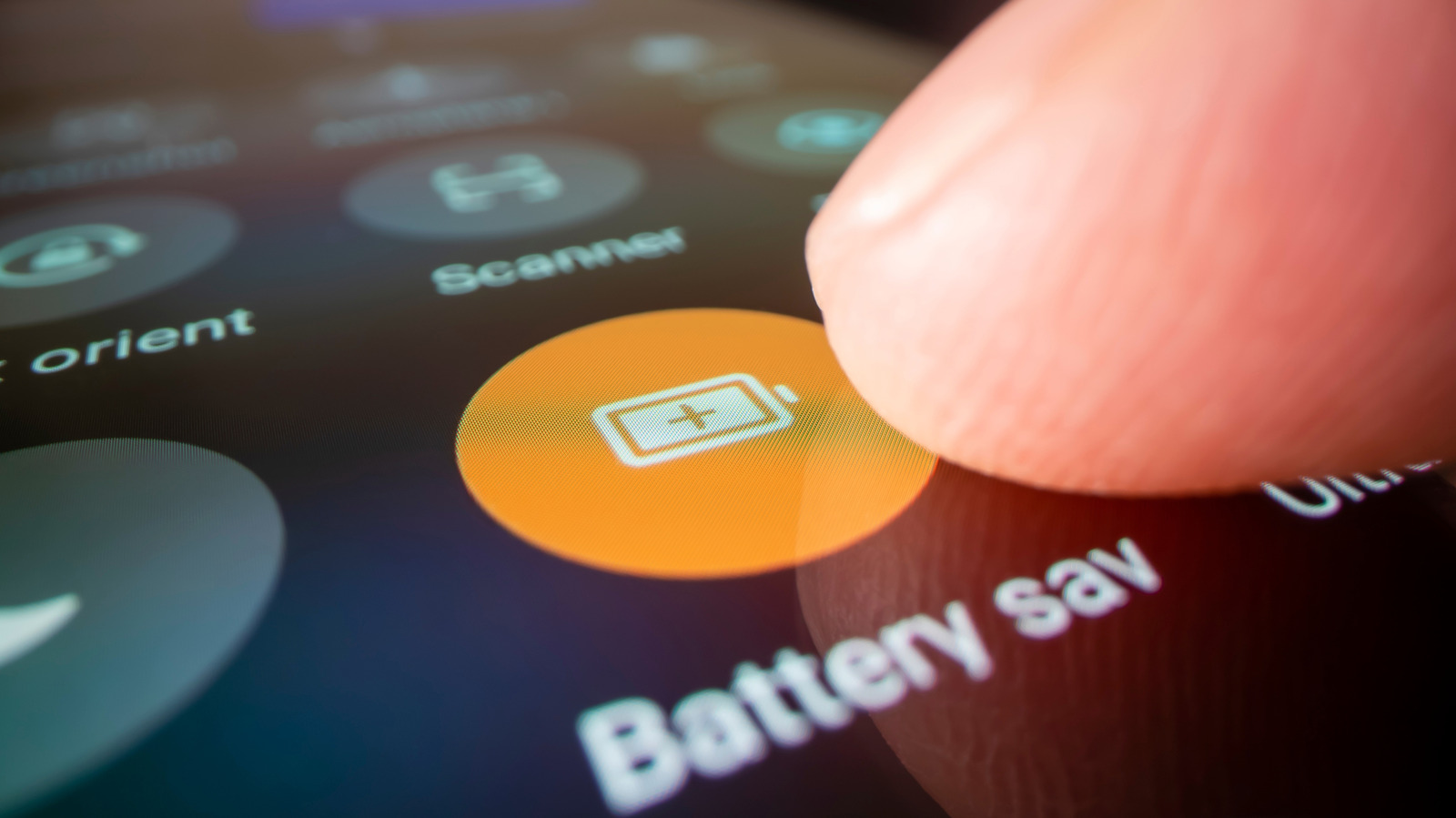
Built-in options like Battery Saver, dark mode, and adaptive battery can be switched on to save energy. Battery Saver throttles CPU speed and curtails background tasks once the battery dips beneath a defined level, whereas dark mode cuts consumption on OLED panels by lighting mostly dark pixels. Adaptive battery, a feature of recent Android versions, observes user habits and allocates power to frequently used apps while automatically limiting less essential ones.
Ensuring the OS and all apps are current remains a useful recommendation. Updates frequently bring power-management tweaks, repair bugs that generate unnecessary wake-locks, and fine-tune background synchronization intervals. In addition, charging with the original manufacturer's adapter or a trusted, high-grade third-party charger promotes efficient charging and prevents the strain of over- or under-voltage that can erode capacity over the long term.
Lastly, attention to environmental conditions matters. Very high or low temperatures can briefly diminish battery capacity and speed up its aging. Keeping the device in a moderate climate, steering clear of extended direct sunlight, and avoiding leaving it on charge for days at a stretch are easy practices that protect battery longevity. When these steps are applied together, the majority of Android users should notice a clear boost in daily runtime without resorting to expensive replacements or technician visits.


Comments (0)
Be the first to comment.
Join the discussion