Simple Setting Adjustments Let Spotify Users Enhance Audio and Control Recommendations
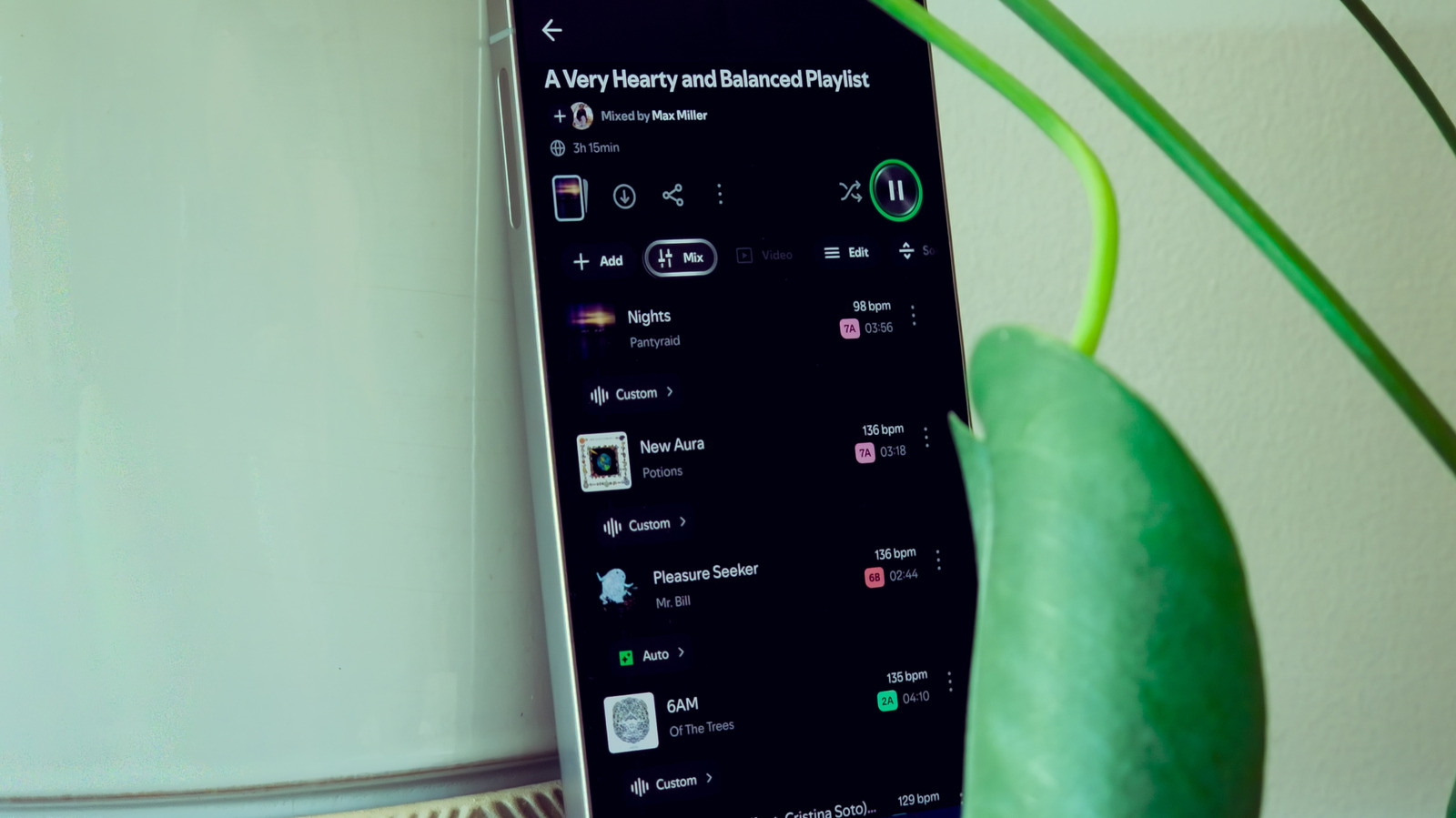
Most Spotify listeners stick with the out‑of‑the‑box setup, yet a few lesser‑known options can markedly boost audio clarity, shield younger ears, and curb the algorithm from suggesting unwanted songs. Tweaking these settings transforms an ordinary listening session into a more tailored and refined experience.
The most obvious improvement stems from changing the audio quality preference. By default, Spotify streams at a modest bitrate to save data, but Premium members can raise the stream to a high‑resolution 320 kbps by heading into the playback menu. This upgrade brings sharper detail, a broader soundstage, and a noticeable lift on good headphones or speakers, though it does consume more data.
Parents and guardians can also activate Spotify’s explicit‑content filter, often called “Kids Mode.” Once turned on, the filter blocks any track flagged as explicit, keeping such songs out of playlists, radio stations, and the daily mixes the algorithm creates. This feature helps maintain a profanity‑free listening environment for children without needing separate accounts.
For those who dislike jarring starts and stops, the crossfade and gapless playback settings smooth out transitions. Crossfade lets users set an overlap—usually between one and twelve seconds—so the ending track fades out as the next one fades in, producing a seamless flow. Gapless playback eliminates the brief silence that can appear between tracks that were originally mixed together, preserving the artist’s intended continuity.
Another often‑ignored toggle is autoplay. When enabled, Spotify automatically adds similar tracks to the queue after a playlist or album finishes, extending the algorithm’s suggestions into the listening session. Disabling autoplay stops this automatic queue, handing full control over the next track to the user and preventing the service from nudging listeners toward unfamiliar genres.
Looking forward, Spotify has signaled plans to broaden its settings arsenal with finer‑grained controls over recommendation logic and data‑saving features. In the meantime, users are urged to explore the app’s settings menu, experiment with these options, and shape their streaming experience to suit their personal tastes and requirements.



Comments (0)
Be the first to comment.
Join the discussion