PowerToys Introduces Automation Features to Simplify Daily Windows Operations
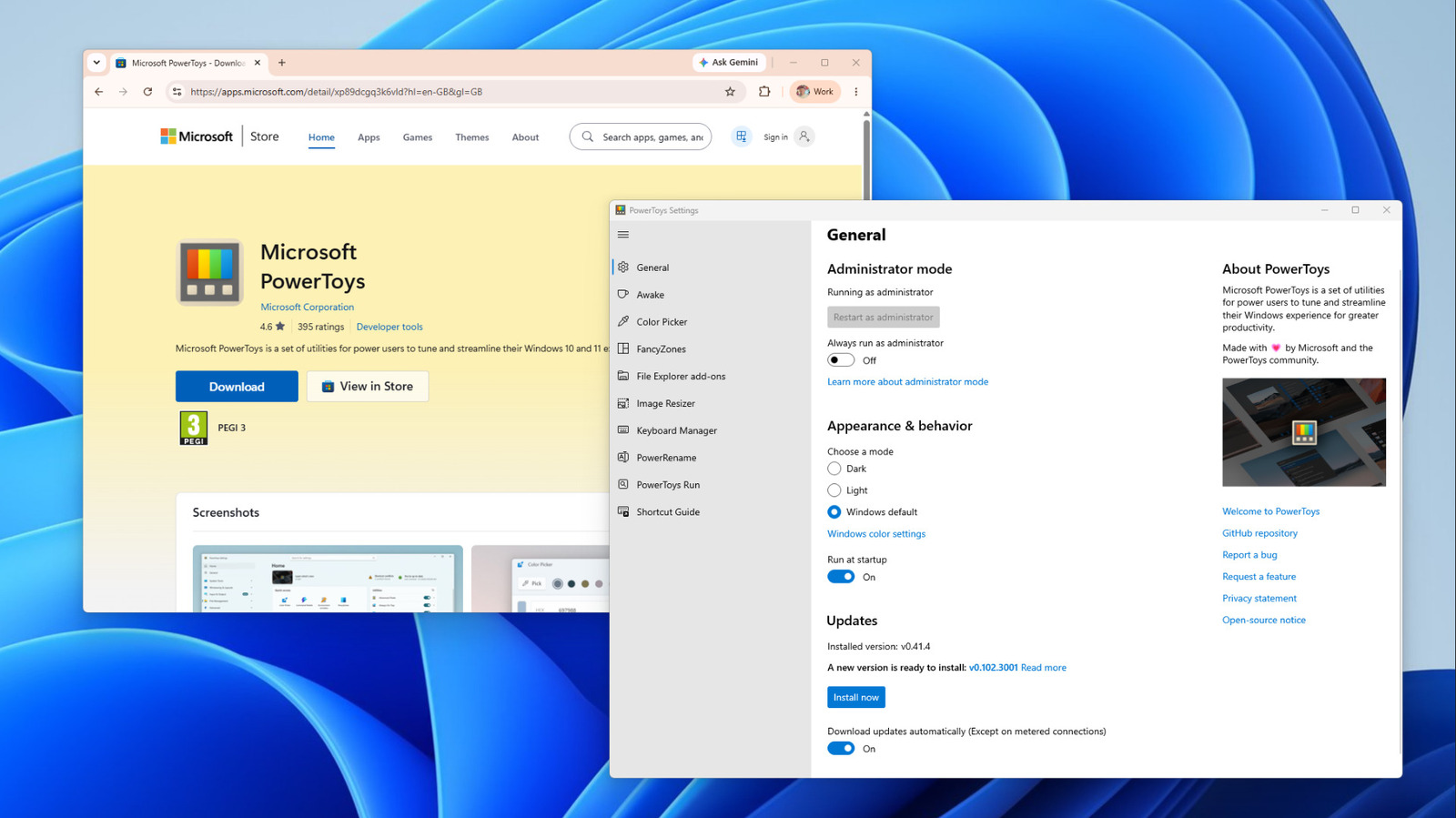
Microsoft’s PowerToys collection has grown to include a suite of automation‑oriented utilities designed to trim minutes—or even hours—from everyday computer tasks. The newest version packages several time‑saving tools into a single, free download, cementing PowerToys as a preferred toolkit for anyone wanting to cut down repetitive clicks and keystrokes on a Windows PC.
The update brings an upgraded batch‑renaming utility that lets users apply custom patterns to large batches of files, and a window‑management feature that instantly snaps apps into preset zones with one shortcut. It also adds a keyboard‑remapping component, enabling complex command sequences to be bound to a single key, plus a quick‑launch search bar capable of running commands, opening apps, or executing scripts without leaving the desktop.
PowerToys is far from a brand‑new invention; it began as an internal set of tools for Microsoft engineers in the early 2000s and was later resurrected as an open‑source project on GitHub in 2019. The community‑driven development approach has drawn contributions from programmers worldwide, leading to a rapid release cadence and an expanding feature set that serves both power users and casual enthusiasts.
Early users are already noting tangible productivity boosts. Designers, for example, can rename hundreds of asset files within seconds, while developers can map frequently used terminal commands to a single keystroke. The window‑tiling capability lessens the need for manual resizing, making multitasking on high‑resolution screens smoother. Because each tool is optional and modular, individuals can activate only the parts that suit their workflow, keeping the overall system impact minimal.
Looking forward, Microsoft has indicated that PowerToys will continue to evolve alongside Windows 11, with plans for deeper system integration and expanded community participation. Its open‑source nature means new utilities can be suggested, coded, and released without waiting for a major OS update, ensuring the suite stays responsive to emerging user demands. As Windows users increasingly look for ways to automate routine tasks, PowerToys offers a free, extensible bridge between built‑in OS capabilities and third‑party software.



Comments (0)
Be the first to comment.
Join the discussion