Old Android Phone Revived as a Desktop Communication Station
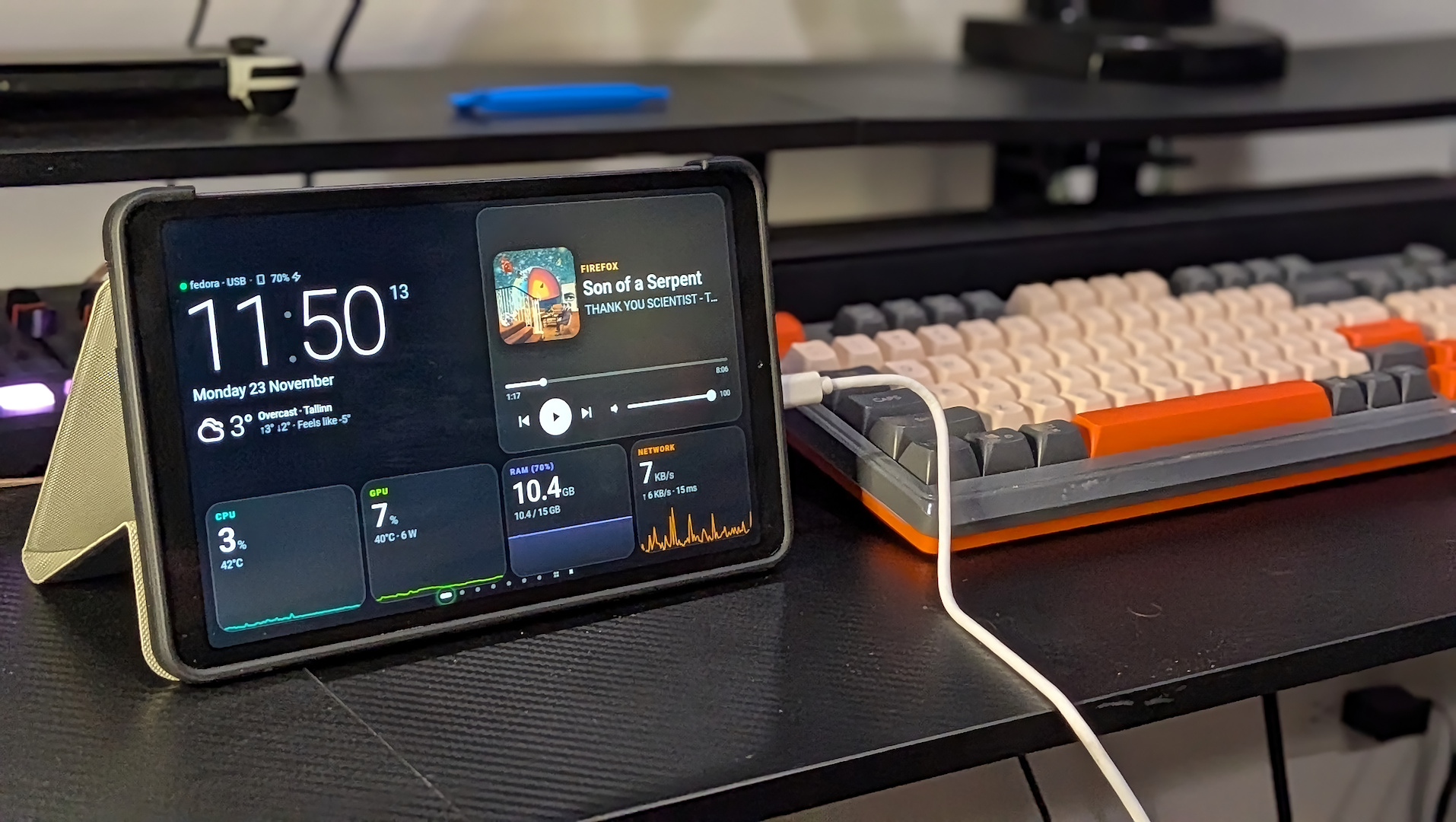
If an older Android handset is tucked away in a kitchen junk drawer, many people think it’s no longer useful. However, a recent article demonstrated that a single terminal command can convert that idle phone into a practical desktop sidekick, managing calls, texts and alerts without requiring a separate office phone.
The trick relies on the Android Debug Bridge (ADB), a command‑line utility developers employ to talk to Android devices via USB. Sending a short ADB command enables USB audio routing and makes the phone’s telephony features available to the connected computer, essentially converting the device into a desk‑side handset.
After running the command, the phone shows up as both an audio input and output device on the PC. Conventional VoIP or soft‑phone programs can then be directed to use the Android’s microphone and speaker, enabling users to pick up calls, dispatch texts and view app notifications straight from their laptop or desktop.
This kind of repurposing is particularly attractive to people who have amassed multiple functional gadgets that no longer match their everyday needs. Instead of tossing or reselling them, owners can extend their usefulness, cutting electronic waste and avoiding the small expense of buying a dedicated desk phone.
Tech hobbyists point out that the approach needs just a USB cable and a computer with ADB installed—tools already familiar to developers and power users. No extra software must be added to the Android handset, keeping its original setup intact while broadening its usefulness.
Security remains a key concern. Because the phone becomes reachable from the host PC, users ought to verify that the connection is trusted and keep the phone’s lock screen active to block unauthorized access when the device is idle.
Looking forward, this method may spur wider use of “device recycling” strategies, allowing outdated smartphones to fill niche functions like dedicated media controllers, network monitors or even home‑automation hubs, all activated by straightforward command‑line tweaks.
As a growing number of users look for budget‑friendly ways to get more out of their current hardware, a single terminal command could become a useful asset in keeping forgotten devices productive instead of consigned to dusty drawers.



Comments (0)
Be the first to comment.
Join the discussion