How to Unjam an Ethernet Cable Without Harming Your Gear
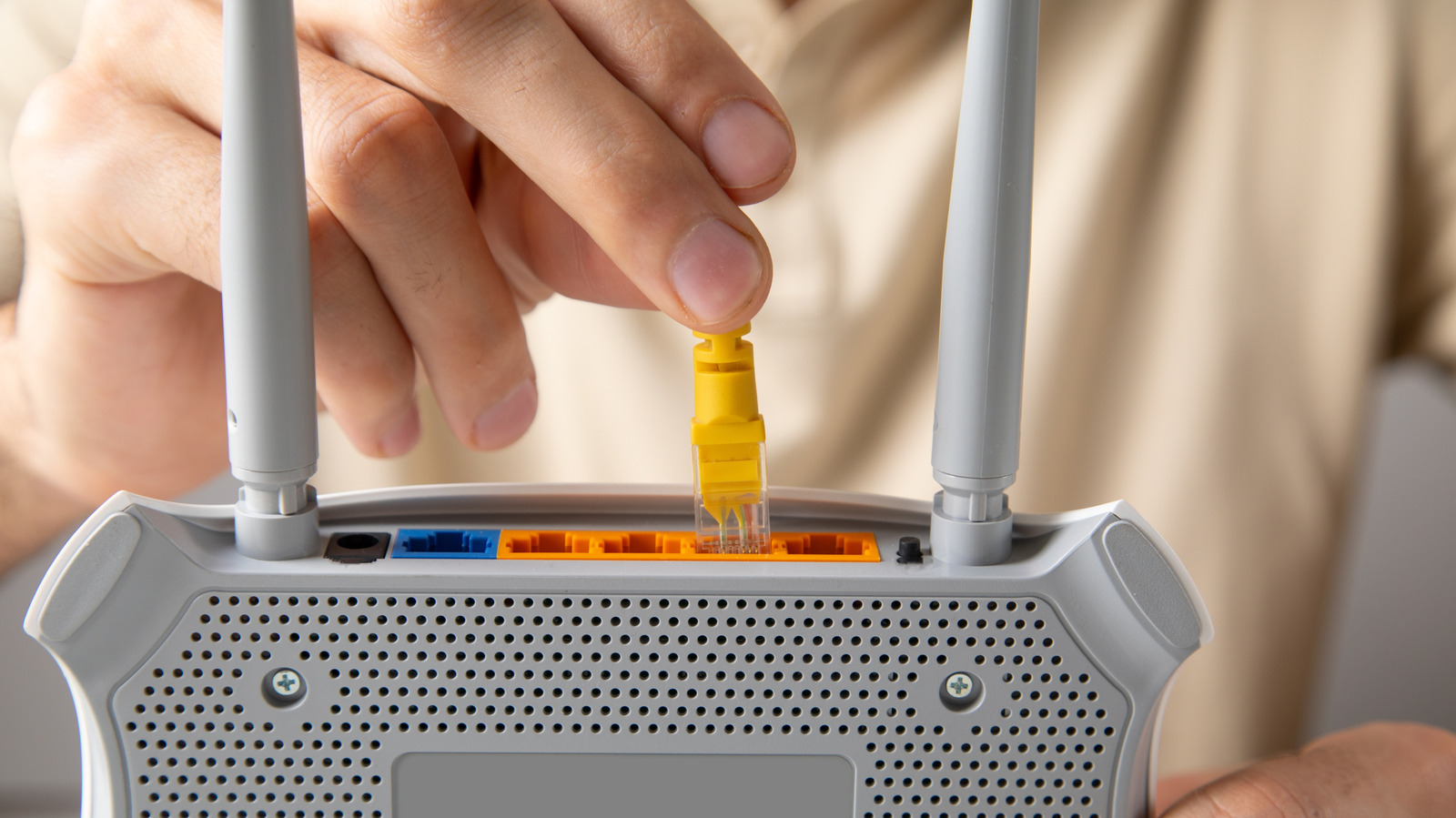
Gamers, streamers and anyone who favors a wired internet connection often encounter an Ethernet cord that refuses to detach from a computer or router port, turning a simple setup into a vexing task.
Ethernet cables continue to be the preferred option for low‑latency, high‑throughput links, especially in competitive gaming and professional settings where wireless interference can degrade performance. The RJ‑45 plug, though sturdy, includes a tiny latch that clicks into place to hold the connection, and this very mechanism can become problematic when debris catches the clip or the cable is pulled at an odd angle.
Most stuck‑cable incidents arise from three common situations: the latch snagging on a bent pin inside the jack, the cable being yanked while the device remains powered, or the connector becoming misaligned during insertion. In each case the plug feels locked yet will not release with ordinary hand pressure.
To free the cable safely, begin by powering down the equipment to eliminate any short‑circuit danger. Gently depress the latch on the RJ‑45 plug while wiggling the cable back and forth; this often relaxes the latch tension. If the plug still won’t move, employ a pair of non‑metallic tweezers or a small flat‑head tool to press the latch more firmly, avoiding pressure on the plastic housing. A tiny dab of isopropyl alcohol around the connector can lessen friction, but use it sparingly and let the area dry before reconnecting. For particularly stubborn plugs, a thin plastic card can be slipped beside the latch to lever it open, keeping force away from the pins.
If these tactics don’t work, it’s best to stop and seek professional assistance rather than risk damaging the port or cable. For devices still under warranty, contacting the manufacturer’s support line can avoid unintentionally voiding coverage. Replacing the cable with a new, correctly rated one is often the simplest long‑term fix.
The episode underscores why many users still prefer wired networking despite Wi‑Fi’s convenience. A reliable Ethernet link provides consistent speeds, lower latency and stronger security, making it essential for tasks that cannot tolerate packet loss. Knowing how to address a stuck connector helps preserve those advantages without expensive repairs.
Looking ahead, newer connector designs such as RJ‑45 variants with tool‑free release mechanisms are beginning to appear in high‑end networking gear, promising to cut down on jammed cables. Until such hardware becomes widespread, the careful, step‑by‑step method described above remains the most effective way to liberate a stubborn Ethernet plug without harming the underlying hardware.


Comments (0)
Be the first to comment.
Join the discussion