How to Tell Which Ethernet Port on Your Router Is the Correct One
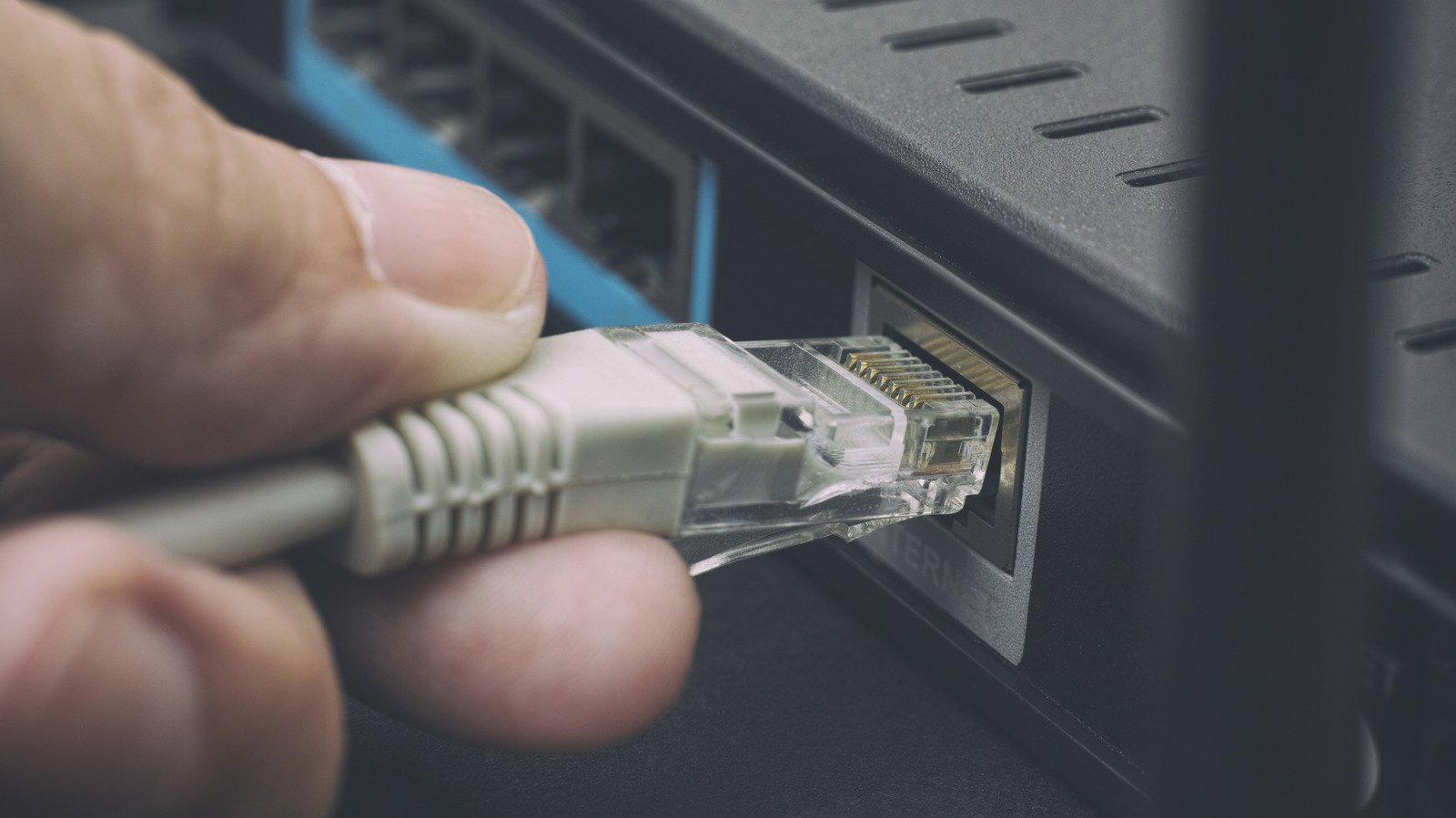
Home networking gear usually provides several Ethernet sockets, yet they are not interchangeable. Knowing which jack is meant for the internet feed, local devices, or special services helps avoid bottlenecks and keeps the network running as efficiently as possible.
Most consumer routers set apart the wide‑area network (WAN) input from the local‑area network (LAN) outputs by using color, labels, or icons. The WAN port—often highlighted in blue or labeled “Internet”—accepts the signal from the modem, while the other ports, typically yellow or gray, pass that signal on to computers, game consoles and other wired gadgets.
Pinpointing each socket’s role generally begins with the router’s documentation, which details the function of every Ethernet jack. Visual hints such as a tiny globe for the WAN side or a switch symbol for LAN ports assist, as does the router’s web‑based admin panel where port assignments can be verified. When markings are ambiguous, a quick speed test after hooking up a device can show whether a port is limited to 100 Mbps or supports full gigabit throughput.
Choosing the wrong port can lead to noticeable problems. Hooking a high‑bandwidth device like a 4K streaming box into a port that is actually reserved for a low‑speed service may cause buffering, while inserting a modem into a LAN jack can create a double NAT situation that disrupts online gaming and remote‑access tools. Likewise, some routers dedicate a port to IPTV or Voice over IP, and misusing those can diminish picture quality or call reliability.
Manufacturers often stick to familiar conventions. For instance, Netgear’s Nighthawk line typically shows a blue WAN port and four yellow LAN ports, whereas Asus routers label the WAN socket clearly and may add a “Link Aggregation” port for merging two connections into a faster link. Certain mesh systems offer a single multi‑gigabit port that can act as either WAN or LAN, depending on the configuration set in the device’s software.
The importance of selecting the proper port is increasing as broadband speeds surpass the traditional 1 Gbps limit. Newer equipment features 2.5 Gbps, 5 Gbps, or even 10 Gbps Ethernet ports, and many current routers include at least one multi‑gig port to handle these faster links. Plugging a gigabit‑capable device into a regular 1 Gbps LAN jack will unnecessarily throttle performance.
To get the most out of a home network, users should confirm each Ethernet socket’s capabilities, upgrade router firmware to unlock any hidden functions, and consider adding a managed switch if the needed high‑speed connections exceed the router’s built‑in ports. Matching devices to the right ports enables a smoother, more reliable internet experience across all wired endpoints.



Comments (0)
Be the first to comment.
Join the discussion