How to Spot When Your Home Router Has Outlived Its Prime
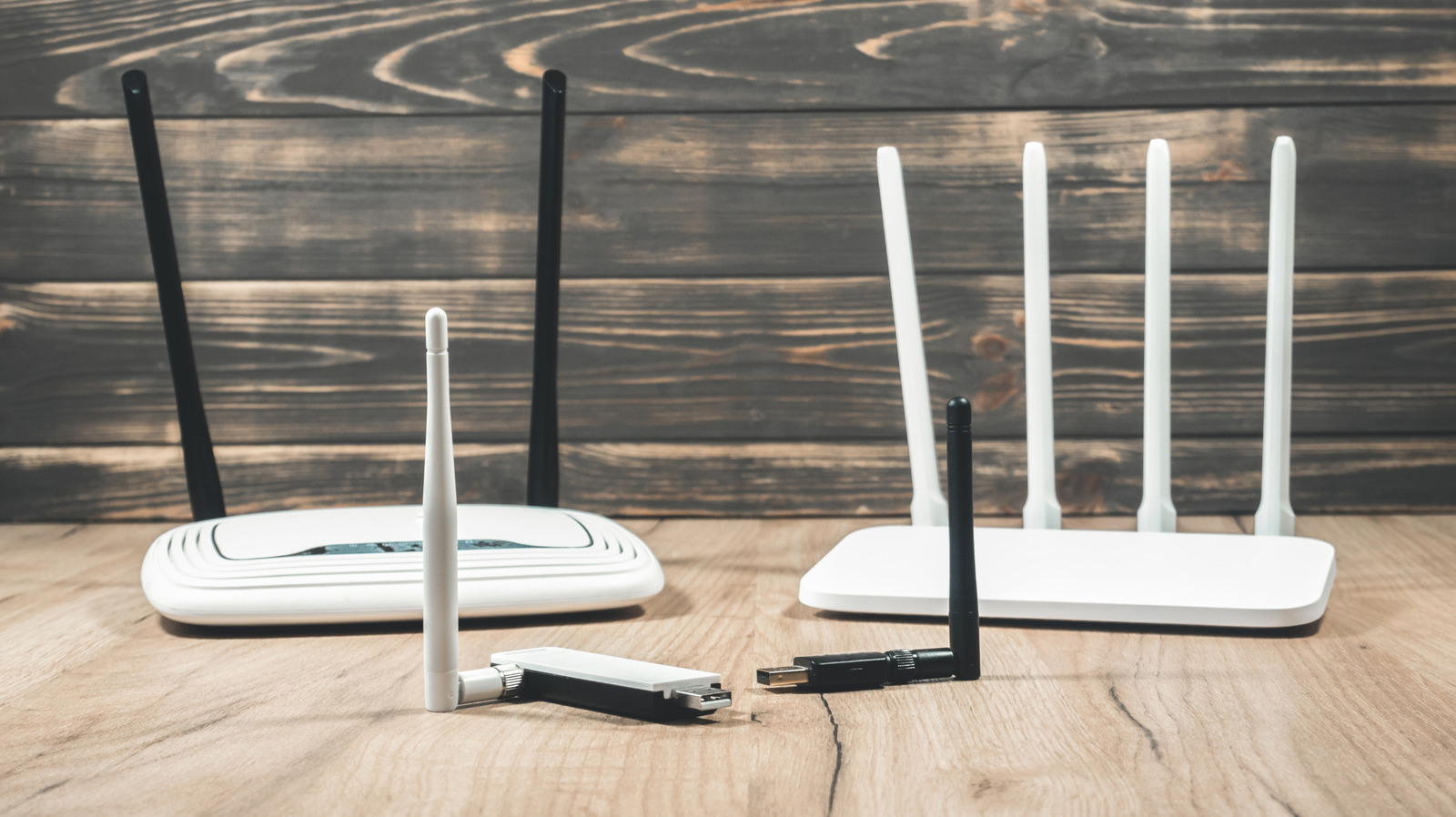
Many homeowners believe their wireless router will work forever, yet its performance can gradually deteriorate, leaving users irritated by slow connections or occasional drop‑outs. With an ever‑growing number of devices depending on reliable Wi‑Fi for work, streaming and smart‑home tasks, pinpointing the moment a router has become obsolete is increasingly vital.
Common indicators of a struggling router are frequent disconnections, noticeably reduced download and upload rates, and trouble onboarding new devices. You might also see the unit running hotter than usual or its status LEDs flickering erratically. While isolated glitches can stem from ISP outages or network congestion, a consistent pattern of these problems usually signals hardware wear.
The root causes are technical. Older models often stop receiving firmware updates, exposing them to security holes and making them incompatible with newer gadgets. Heat and regular use wear down internal parts like capacitors and antennas, diminishing signal strength and throughput. Additionally, legacy routers that only support older Wi‑Fi standards (such as 802.11b/g/n) cannot keep up with the bandwidth needs of today’s streaming and gaming applications.
Consumers can perform straightforward checks to assess a router’s condition. Running speed tests over a wired connection helps determine whether the bottleneck lies with the ISP or the wireless bridge. Comparing the router’s firmware version to the listings on the manufacturer’s website shows if updates are still offered. Resetting the device to factory defaults and re‑configuring the network may cure software quirks, but if performance stays lackluster, replacement is the likely solution.
Age provides a practical rule of thumb: most makers design routers to deliver peak performance for three to five years. Once a unit reaches or surpasses that age, it may miss out on newer standards like Wi‑Fi 6 (802.11ax) and the latest security protocols. Upgrading an aging router can boost coverage, cut latency, and strengthen defenses against cyber threats, often for a cost comparable to the original purchase price.
When selecting a new device, buyers should match the solution to their home’s requirements. A single router may be sufficient for a modest apartment, whereas larger residences benefit from mesh systems that spread the signal more uniformly. Features such as dual‑band or tri‑band operation, gigabit Ethernet ports, and built‑in parental controls add versatility. Although many ISPs bundle routers with their service, third‑party models typically deliver superior performance and longer software support.
Looking forward, the swift rollout of faster broadband and the explosion of IoT gadgets mean routers will need to be refreshed more often. Industry analysts recommend a replacement cycle of every three to four years to preserve optimal speed and security. By staying alert to the warning signs outlined above, users can avoid prolonged connectivity woes and keep their home networks running smoothly.



Comments (0)
Be the first to comment.
Join the discussion