How to Seamlessly Move Google Authenticator to a New Phone
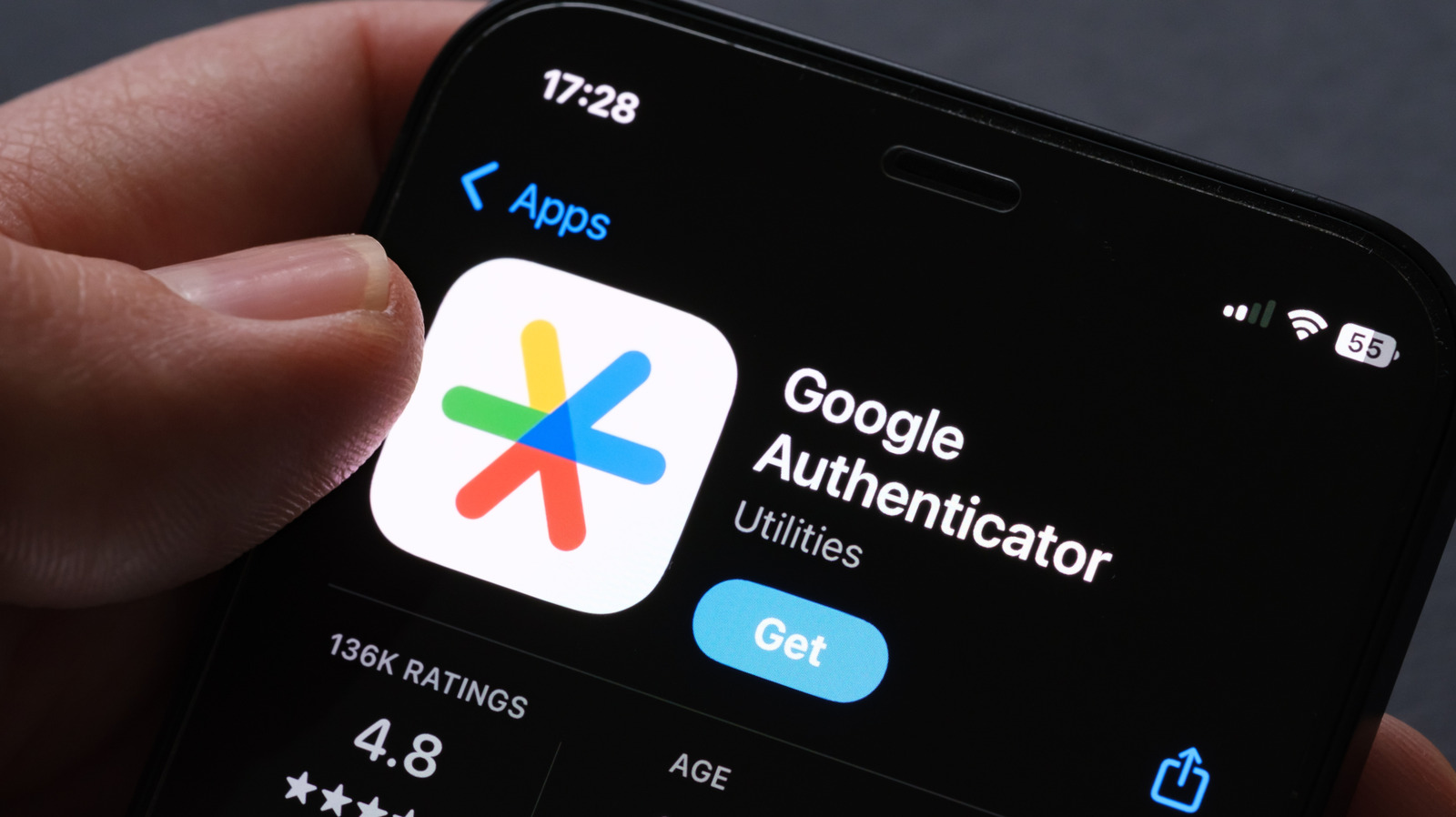
When people upgrade their smartphones, those who depend on Google Authenticator for two‑factor protection frequently find themselves hurriedly searching for a solution, because the time‑based codes stay tied to the original device. New advice from tech publications outlines a simple method that enables users to transfer their authentication tokens while retaining access to essential online services.
The app produces six‑digit one‑time passwords that add a secondary verification step to regular passwords, a tactic now considered a fundamental safeguard against credential compromise. Since these codes are linked to the specific device hosting the app, switching to a new phone may temporarily bar users from accessing services such as email and banking.
Initially, it is advised to keep the old phone functional until the current tokens are exported. Inside the app’s settings, choose the “Transfer accounts” feature, which generates a QR code containing all saved keys. By scanning this code with the Authenticator app installed on the new device, the full collection of accounts is transferred in one go.
Should the previous handset remain usable yet lack the built‑in transfer option, the fallback is to manually note the secret keys or backup codes each service offers before deactivating the old token. The majority of platforms give printable recovery codes that permit a two‑factor reset, enabling the user to enroll the new phone as the main authenticator.
If the original device is unrecoverable—due to loss or damage—those recovery codes become crucial. Users need to sign into each impacted account, go to the security section, and follow the provider’s steps to remove the old authenticator and set up a new one. While this approach takes more time, it guarantees restored access without weakening security.
Specialists recommend storing a safe, offline copy of recovery codes and regularly updating the Authenticator app to take advantage of newer transfer utilities. As two‑factor authentication becomes increasingly ubiquitous, knowing how to migrate it properly avoids the hassle of locked accounts and bolsters the overall robustness of personal digital security.



Comments (0)
Be the first to comment.
Join the discussion