How iPhone’s Focus Suite Differs from Traditional Do Not Disturb
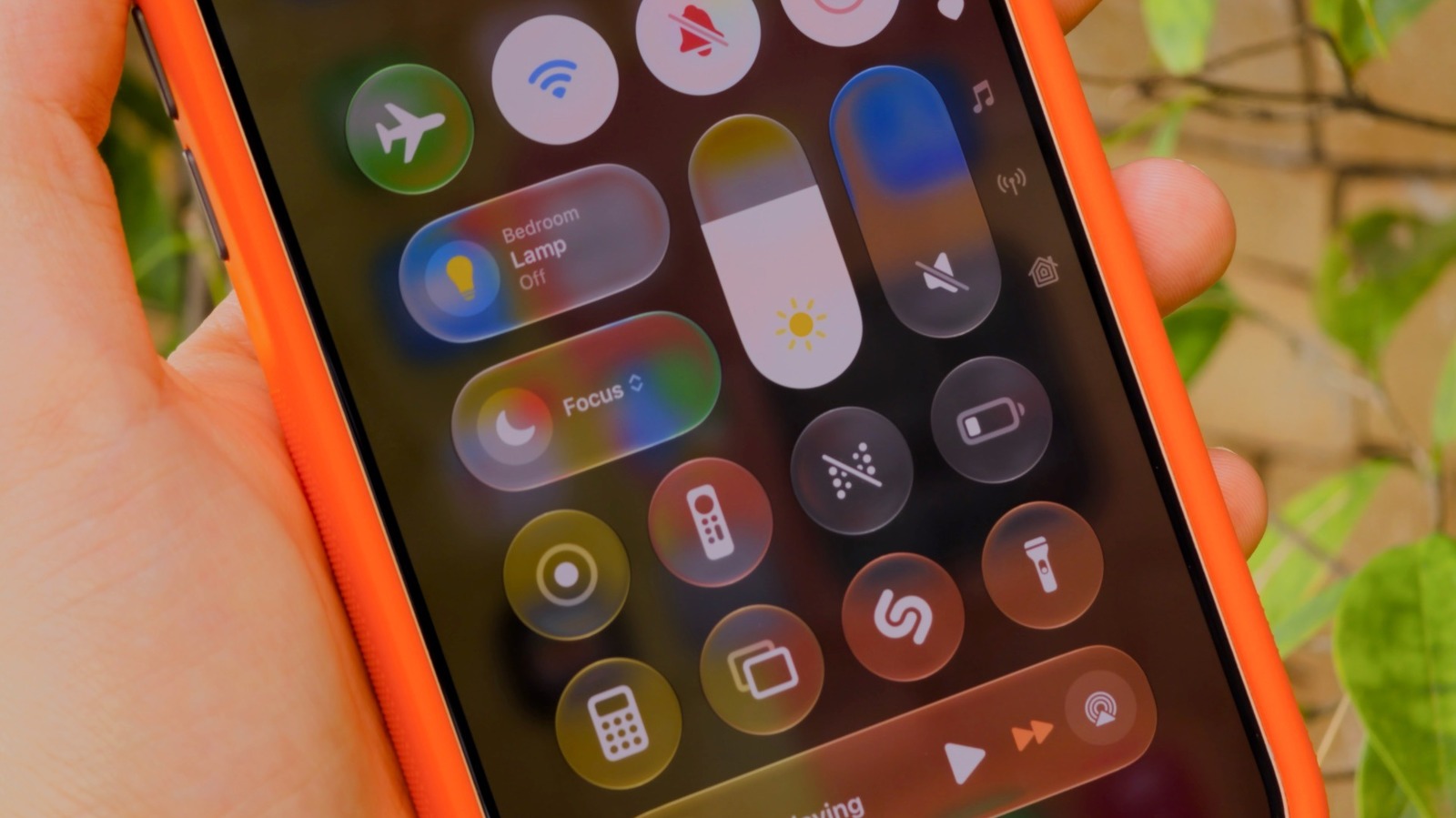
The iPhone now includes a collection of “Focus” options that build upon the long‑standing Do Not Disturb (DND) function, allowing users to fine‑tune which notifications get through and at what times. Although both utilities seek to limit interruptions, they are based on different concepts and address separate scenarios.
Do Not Disturb, which debuted more than ten years ago, acts as an all‑encompassing mute. Once turned on, it silences calls, texts and alerts, except for calls from a user‑chosen “favorites” list or a second call from the same number. Users can switch it on manually or set it to run at specific times, and its main goal is to provide a silent interval without distinguishing work, personal, or leisure situations.
Introduced in iOS 15, Focus modes view interruption handling as a tailor‑made workflow. Individuals may pick from preset profiles like “Work”, “Personal”, or “Sleep”, each defining its own permitted contacts, apps, and notification categories. In contrast to DND’s uniform method, a Focus setting can permit work‑related emails while silencing social‑media notifications, or the opposite. Additionally, users can create automation triggers that activate a profile according to location, time, or app activity, lessening the reliance on manual changes.
The two functionalities overlap since Do Not Disturb now appears as a built‑in “Focus” preset. Consequently, users who like the straightforward DND experience can activate it with one tap, whereas those wanting finer control can explore the full “Focus” settings. While both rely on the same silencing engine, “Focus” introduces additional exception rules and status sharing, enabling iPhone owners to announce their active mode to contacts through iMessage.
Viewed more broadly, Apple’s move mirrors a wider move toward context‑aware digital‑wellbeing solutions. By permitting users to specify what counts as an interruption at various times of day, the “Focus” suite mitigates notification overload while keeping vital communication pathways open. It also syncs with macOS and watchOS, delivering a uniform experience throughout the Apple ecosystem.
Looking forward, Apple may expand “Focus” features further, possibly exposing additional APIs so third‑party apps can react to a user’s current profile. As remote work and the blending of personal and professional life persist, the capacity to finely adjust notification delivery could become a baseline expectation for mobile operating systems.


Comments (0)
Be the first to comment.
Join the discussion