Galaxy side key now configurable for apps and shortcuts, Samsung announces
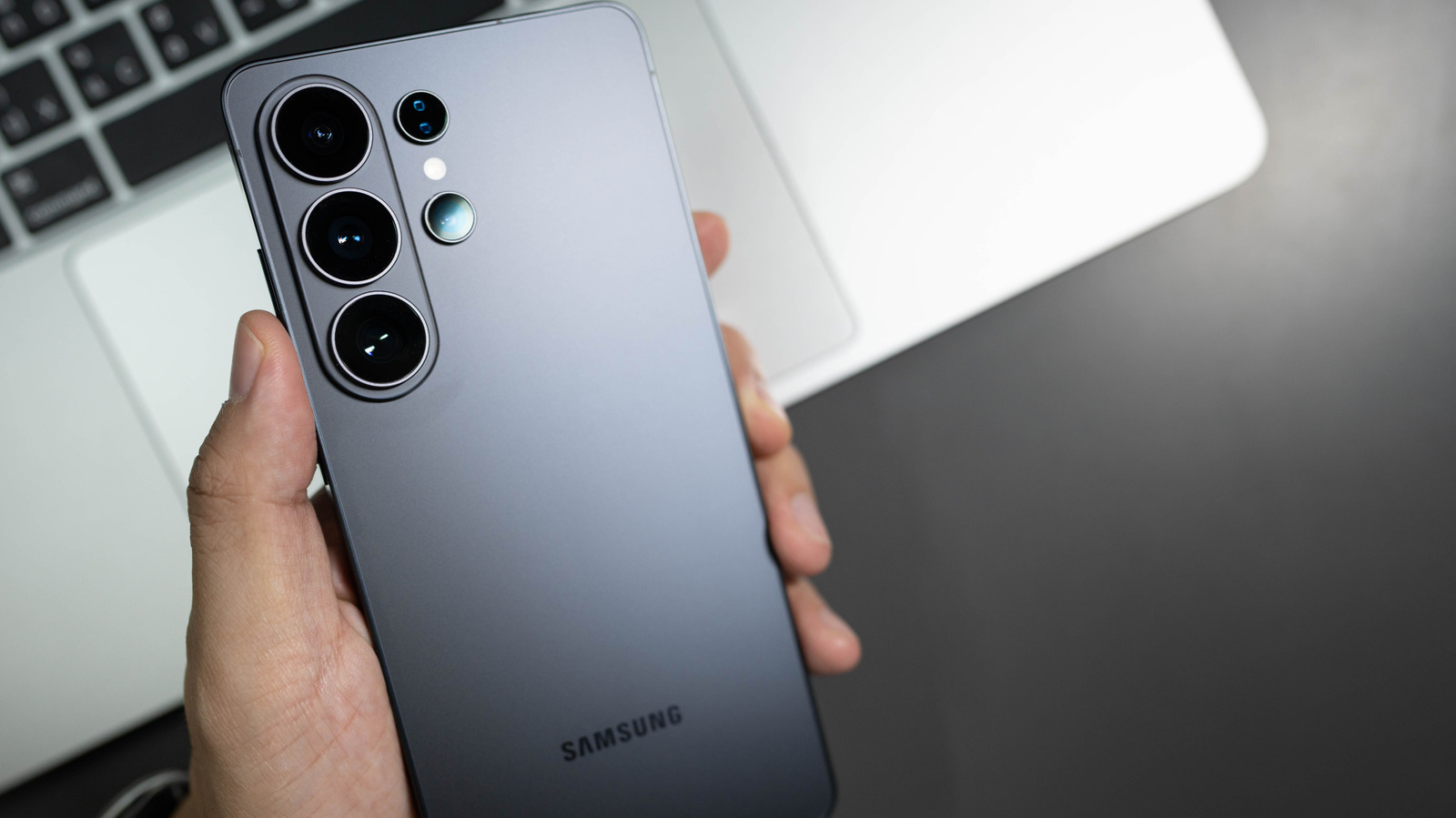
Samsung has broadened what its Galaxy phones' side key can do, letting users map it to many functions beyond the default power and Bixby actions. Delivered in the latest One UI rollout, the feature lets owners designate the double‑tap or press‑and‑hold to start any supported app, open the camera, or fire a personalized shortcut.
Traditionally, the side key performed a set routine: one press powered the device on or off, two presses summoned Bixby, and a long hold displayed the power‑off menu. While Samsung later added a separate Bixby button on the Galaxy S8 and subsequent models, the fundamental behavior stayed largely unchanged. Growing user input and pressure from rival Android makers led the firm to revisit this design.
In the newest One UI version, the options appear under Settings → Advanced features → Side key. From there, users may pick either “Double press” or “Press and hold” and pick from choices such as the camera, flashlight, voice recorder, or any third‑party app that accepts shortcuts. The menu also provides a “Quick launch” setting, allowing a single tap to instantly access a commonly used function without digging through menus.
This shift mirrors a wider movement toward customization in mobile operating systems. With phones now integral to everyday tasks, giving users the power to modify physical controls can boost productivity and accessibility, particularly for those with specific ergonomic requirements. Analysts suggest that such adaptability could keep Samsung’s clientele from switching to rivals that provide more programmable hardware keys.
Looking forward, Samsung has signaled that upcoming releases may broaden side‑key personalization to cover gesture‑driven shortcuts or tie‑ins with its suite of wearables and smart‑home products. In the meantime, the new flexibility gives Galaxy users an easy method to simplify their workflow, converting a fixed power button into a multifunctional instrument that conforms to personal preferences.


Comments (0)
Be the first to comment.
Join the discussion