Front-facing USB ports can throttle peripheral performance, tests indicate
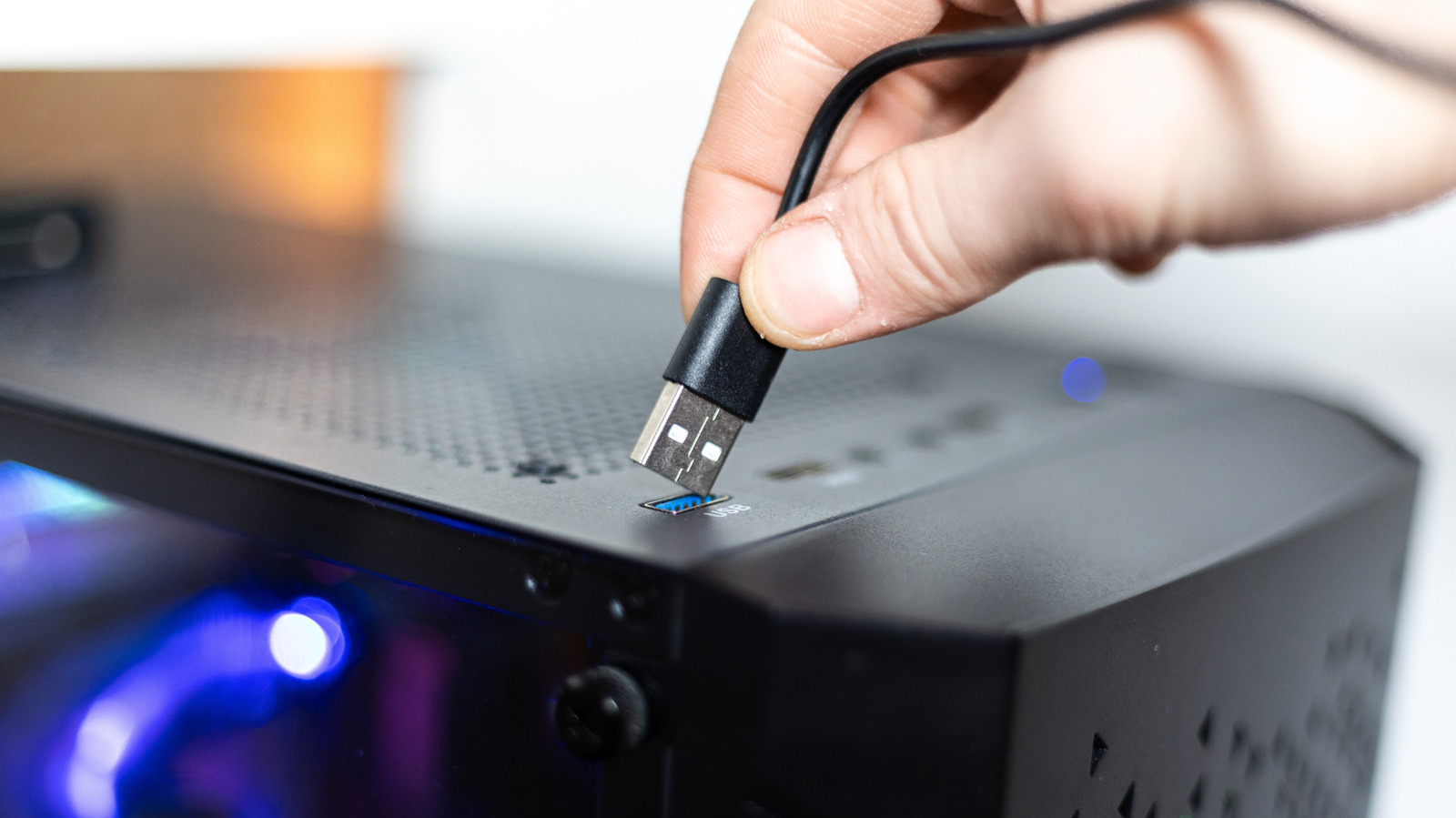
New tests show that USB sockets positioned on a PC’s front panel usually provide lower data‑transfer speeds than those situated on the rear, a gap that can impact devices ranging from external hard drives to gaming controllers.
The cause lies in the wiring: front‑panel ports pass through the case’s internal hub, whereas rear ports hook straight into the motherboard’s controller. This extra hop often involves an additional header and occasionally a lower‑quality controller, which can curb both bandwidth and power.
Engineers point out that numerous makers favor ease of use over speed when they design front‑panel connectors. The extra cables and links needed to reach the motherboard can cause signal degradation, particularly for USB 3.0 and newer, high‑frequency standards. Benchmarks across a variety of common desktop models indicate that transfer rates can fall up to 30 % relative to rear ports.
The bottleneck is most critical for gear that needs a constant high‑speed data flow—external SSDs, video‑capture cards, VR headsets, for example. Even lower‑demand accessories such as keyboards and mice may suffer occasional lag if the front ports cannot deliver enough power, resulting in sporadic disconnects or slower response.
Users aiming for maximum throughput ought to connect high‑speed peripherals to the rear panel whenever feasible. If front‑panel access is required, verify that the case lists a USB 3.1 or USB 3.2‑compatible header and that the motherboard BIOS is current, which can lessen the slowdown. Some hobbyists even add dedicated USB expansion cards that supply extra high‑performance ports straight from the motherboard.
As desktop architectures advance, manufacturers might solve the problem by embedding faster internal hubs or providing additional rear‑panel ports. Until such changes appear, users should evaluate their own configurations and favor rear connectors for bandwidth‑hungry equipment to sidestep accidental bottlenecks.



Comments (0)
Be the first to comment.
Join the discussion