Enhancing Android Audio: How to Get Superior Sound with Bluetooth and Wired Headsets
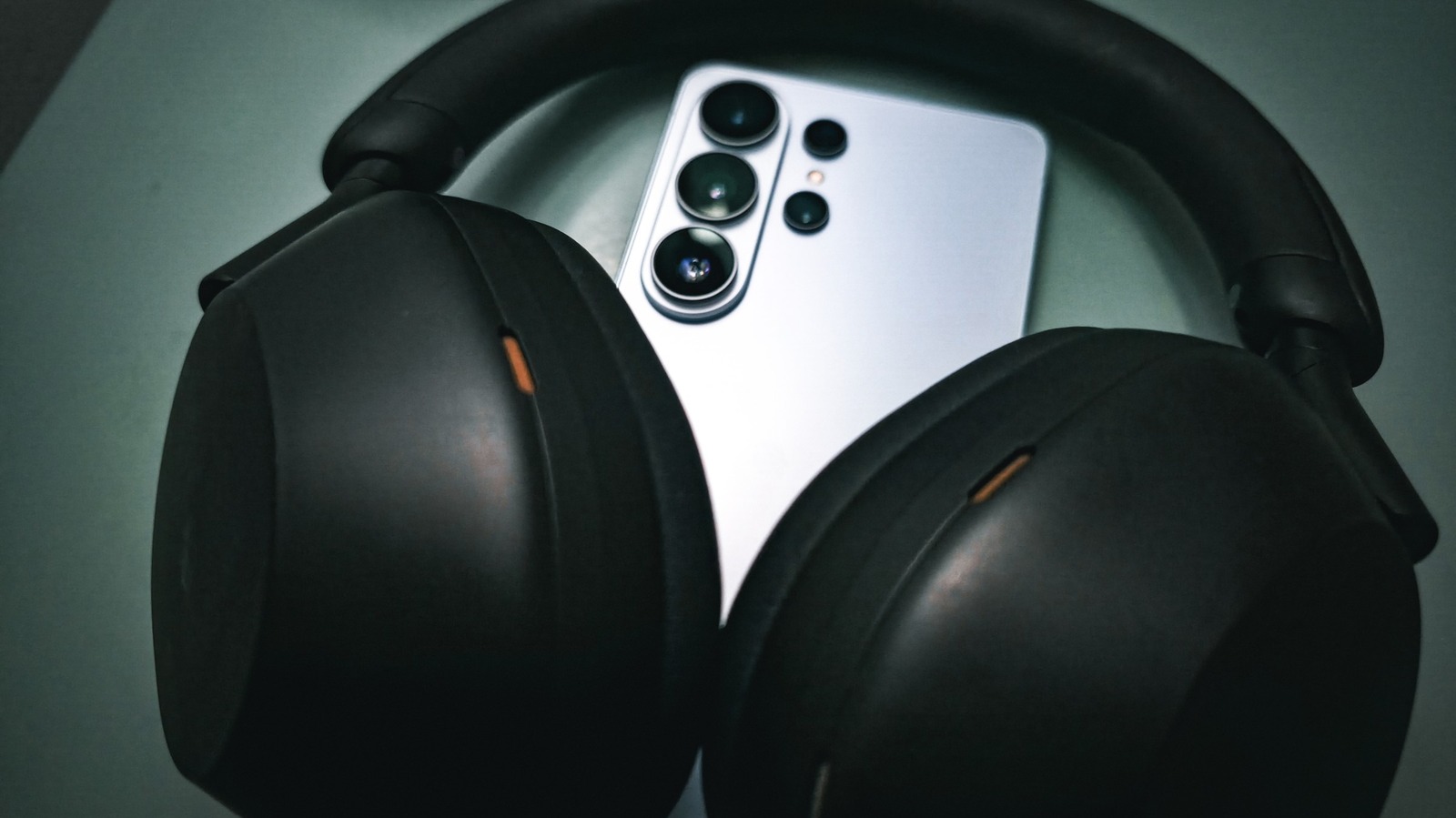
For Android owners who want crisper music, podcasts or phone calls, there are several strategies that go beyond merely plugging in headphones. Adjusting system preferences and picking appropriate gear lets users pull out brighter highs, fuller mids and deeper lows from both wired and Bluetooth devices.
One of the most effective tweaks is to turn on the native equalizer that many Android skins or third‑party audio apps provide. Users may select preset modes such as “Bass Boost” or “Treble Boost,” or design their own curves to suit the tonal character of their specific headphones. On phones that include it, activating “Dolby Atmos” or “SoundAlive” can add a sense of space, though the impact differs by device.
With Bluetooth, the chosen codec largely determines sound quality. Most Android phones default to SBC, a basic compression scheme that can blunt detail. Switching to higher‑grade codecs like AAC, aptX, aptX HD or LDAC—provided both handset and headset support them—cuts latency and retains more of the source audio. These codec options are reachable via the “Developer Options” menu after the headphones have been paired.
Even wired setups benefit from correct configuration. Setting the phone’s “USB audio routing” to “Off” stops the system from treating the headphone jack as a digital output, which can otherwise cause uneven volume levels. Moreover, high‑impedance earphones often need a dedicated DAC or headphone amp to drive them properly, especially on low‑cost phones lacking a strong built‑in amplifier.
Beyond the technical adjustments, the choice of headphones remains crucial. Over‑ear models with large drivers usually cover a wider frequency spectrum, while in‑ear units with balanced‑armature drivers excel at detail reproduction. Bluetooth users should pick headsets that support the desired codec and are known for low distortion to fully leverage the software tweaks. As Android progresses, forthcoming releases are slated to embed finer‑grained audio controls directly into the system UI, bringing high‑fidelity listening within reach of typical users.


Comments (0)
Be the first to comment.
Join the discussion