Elevating Your PC Off the Ground Enhances Speed and Extends Its Life
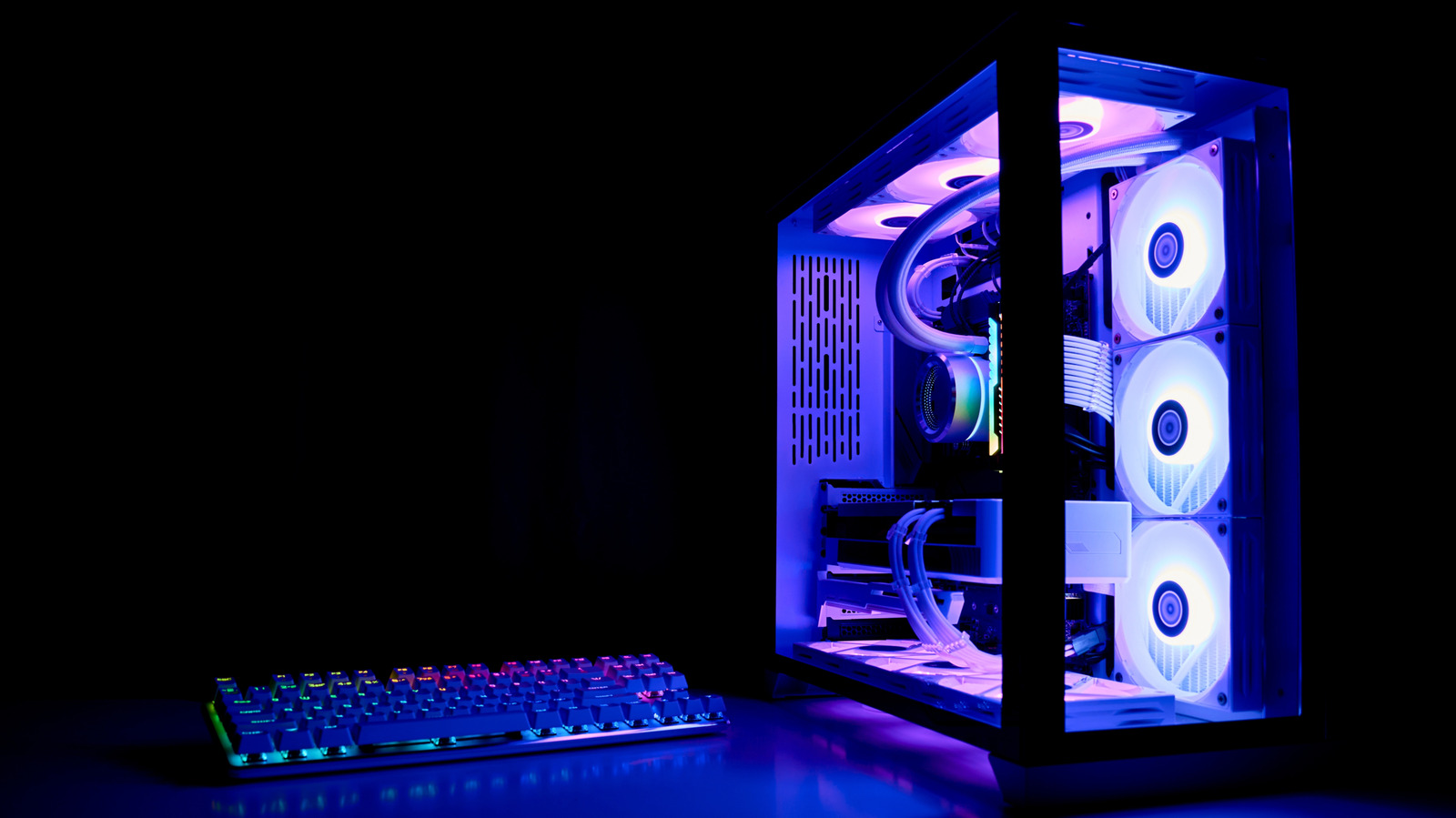
Although setting a desktop directly on the floor might appear handy, specialists warn that it can compromise both its reliability and efficiency.
Flooring—particularly carpet—accumulates dust, hair and assorted particles that may be sucked into a computer’s cooling pathway. Clogged intake vents cause internal heat to climb, forcing fans to spin faster and potentially reducing the service life of key parts like the CPU, GPU and power supply.
A less obvious hazard is static electricity. Striding over carpet can build up static that discharges onto a PC’s circuitry, raising the chance of abrupt failures or slow wear of delicate chips. This risk grows when the case rests directly on a surface capable of holding and passing static.
In addition to technical issues, a floor‑level PC poses ergonomic and safety problems. Reaching ports often forces users to bend or kneel, potentially straining posture, while the unit itself becomes a tripping obstacle in busy spaces. Moreover, cleaning a computer placed on the ground takes extra effort because spills or crumbs are difficult to reach without moving it.
To address these problems, most technicians advise placing the machine on a solid desk, table or a dedicated computer stand that lifts it several inches above the floor. Raising the PC enhances airflow, simplifies cable management, and lessens contact with static‑prone surfaces. Frequent vacuuming around the workstation plus occasional interior cleaning also help keep dust accumulation at bay.
As components grow more powerful and produce greater heat, correct positioning and upkeep will stay crucial. Though manufacturers are developing models with improved dust filters and self‑cleaning capabilities, the onus remains on users to provide a clean, well‑ventilated setting. Keeping a PC off the floor is an inexpensive measure that can yield noticeable improvements in performance and longevity.



Comments (0)
Be the first to comment.
Join the discussion