Easy Raspberry Pi Projects for Beginners to Bring Ideas to Life
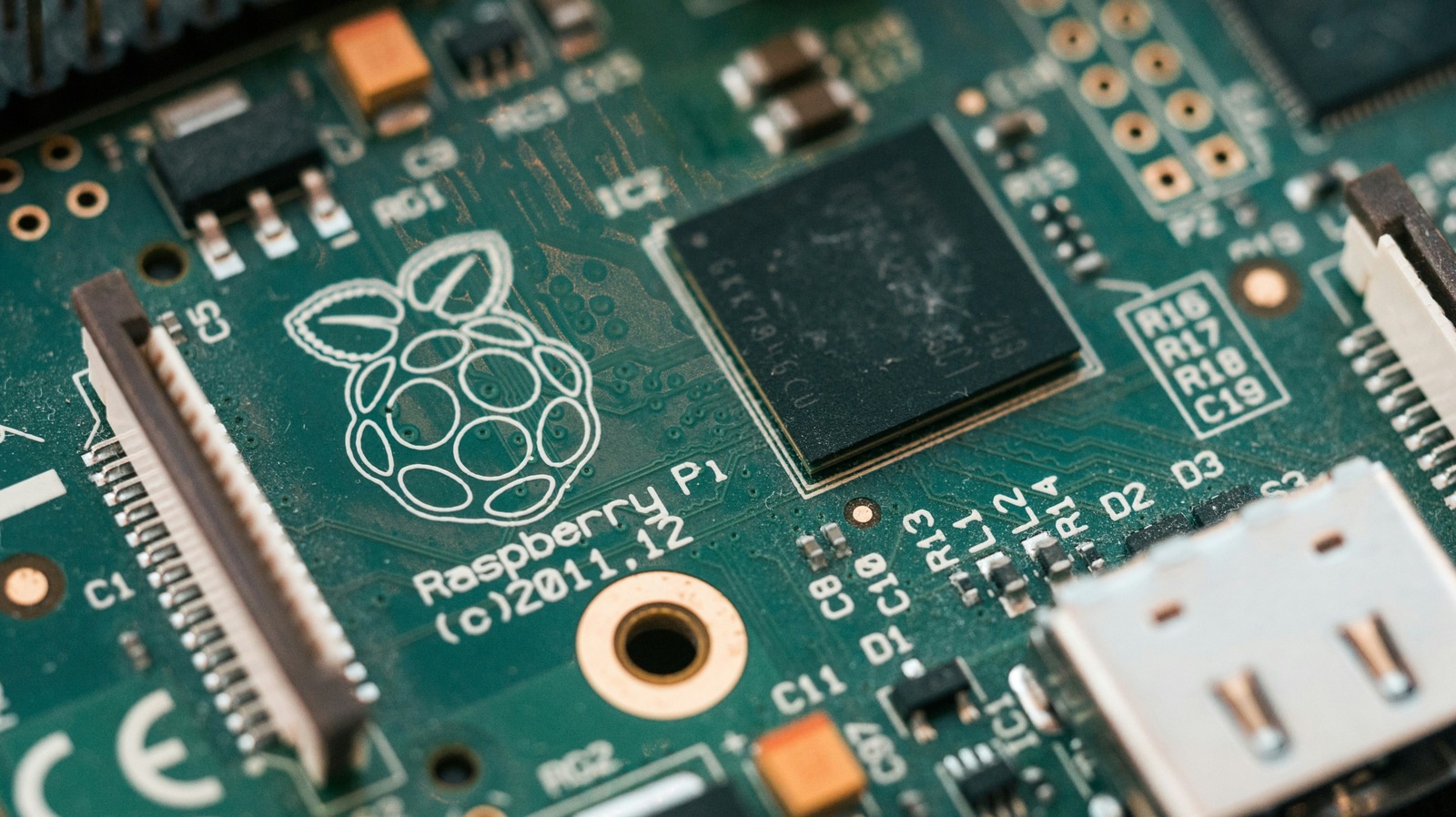
New users of the compact, adaptable computer often hit a snag between excitement and finishing a build. To help close that gap, we’ve compiled six simple Raspberry Pi projects that need only modest components, basic coding skills, and can be wrapped up over a weekend, giving hobbyists a straightforward route from idea to working gadget.
One of the quickest ways to see results is converting the Pi into a media hub with free software like Kodi. Hook it up via HDMI, add a USB‑powered remote and a microSD card pre‑loaded with the OS, and you can stream movies, music, and TV shows from local files or the web, turning any television into a smart entertainment center without purchasing an expensive commercial box.
A second favorite for beginners is a retro‑gaming station. Installing emulation suites such as RetroPie lets a Pi imitate classic consoles from the NES up to the PlayStation 1. The typical setup uses a Bluetooth controller, a ready‑made image, and a few minutes of tweaking, delivering nostalgic play while introducing basic networking and file‑handling skills.
Beyond fun, the Pi can handle useful tasks. Crafting a basic home‑automation node—like a smart light switch or a temperature sensor—exposes users to GPIO pins and sensor wiring. Pairing a DHT22 temperature/humidity sensor with a short Python script enables the unit to send readings to a phone app or a cloud dashboard, showing how inexpensive hardware can power a connected home.
For those curious about network security, installing a Pi‑hole ad blocker on a Pi provides a clear benefit: cleaner browsing for every device on a home network. The setup walks users through DNS configuration and offers a web UI to view blocked domains, reinforcing ideas about network traffic and privacy.
Lastly, a portable camera rig can be built using the Pi Camera Module, a battery pack, and a light case. Whether aimed at wildlife watching, timelapse shoots, or simple security monitoring, the project showcases basic image capture, storage and optional cloud upload, completing a set of doable builds that keep beginners engaged and productive.


Comments (0)
Be the first to comment.
Join the discussion